
Clear a leftover background patch
A handle opening, gap between straps or small area beside a stand can remain in the cutout. Select Erase and use a small brush to hide only the unwanted pixels. Download again after checking the new outline.
FREE SINGLE PHOTOS · NO SIGN-UP · NO WATERMARK
Finish the details after background removal. Erase a leftover patch, restore part of your original product, and undo a brush stroke before downloading on white or transparency.
On your device. No sign-up. No watermark.
Photos stay on your device. First use downloads an AI model (~220 MB).
Quick processing keeps photos on your device. Background removal downloads an AI model only when needed (about 220 MB). Public URL imports depend on the image host allowing browser access.
SEE WHAT CHANGES
Compare the complete original with the white background result. Inspect the handle, outline and base, then use Erase or Restore where the cutout needs a touch-up.
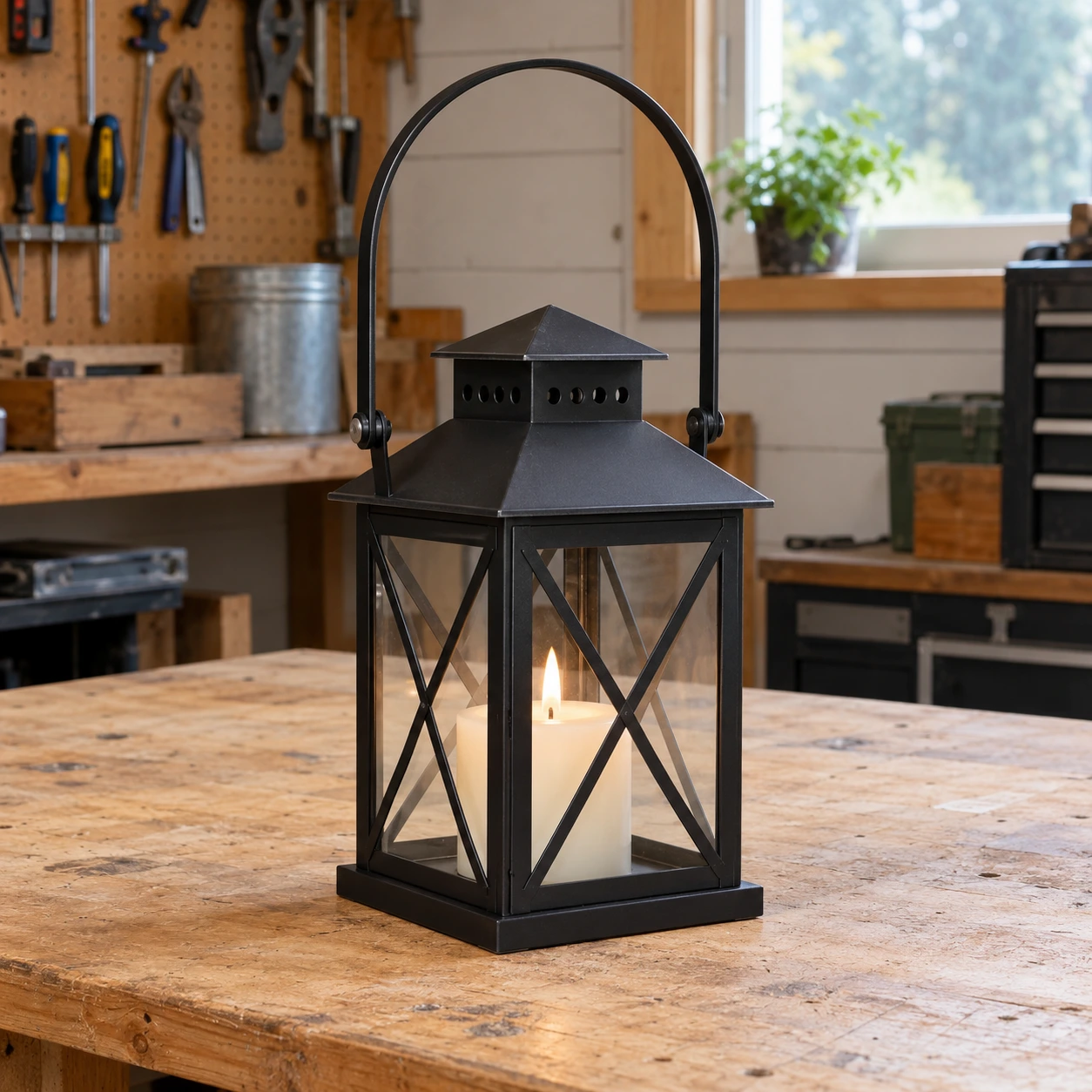
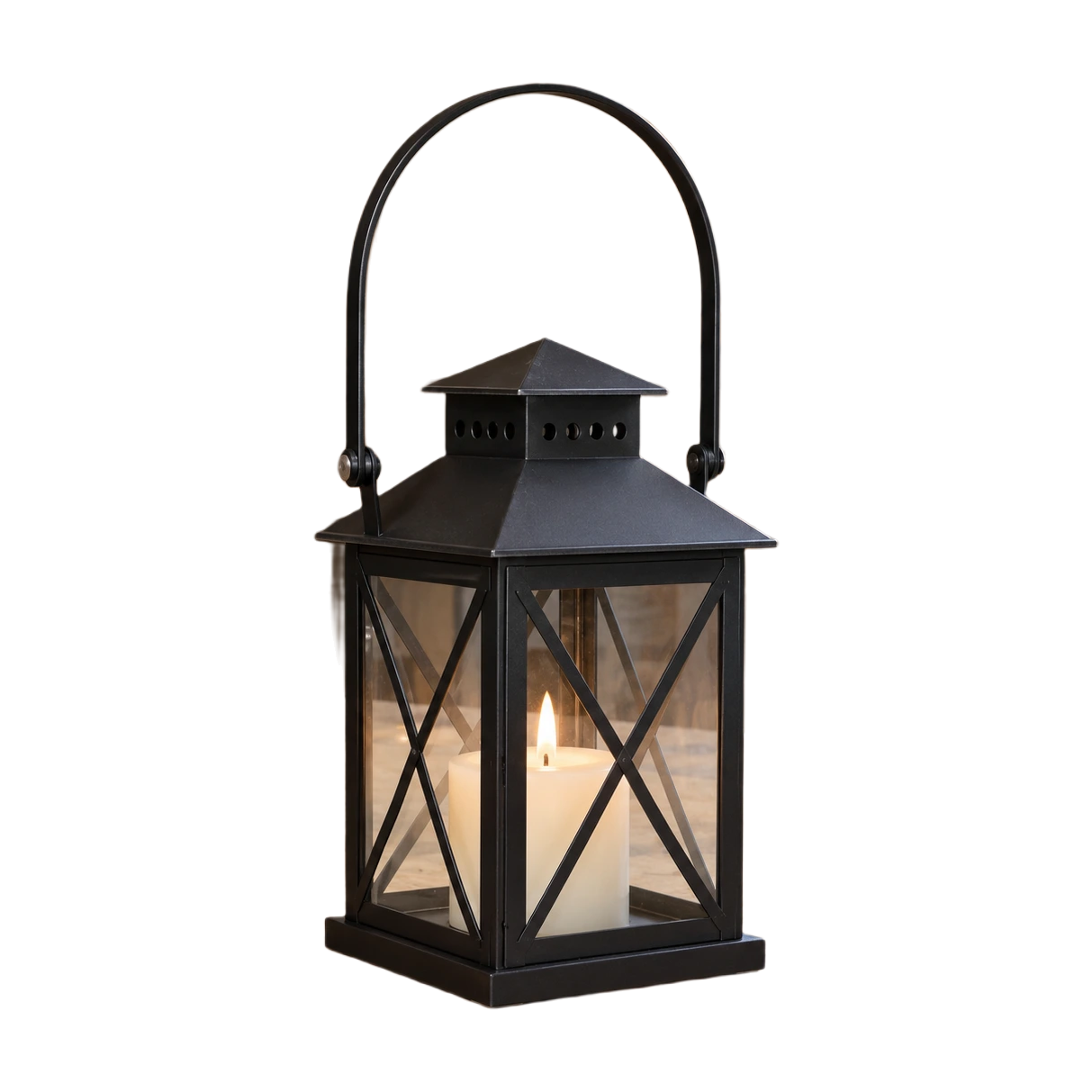
Example source photos were created for this tool. Results shown here were processed with the local browser engine; inspect your own result before using it.
MADE FOR THE WAY YOU WORK
A handle opening, gap between straps or small area beside a stand can remain in the cutout. Select Erase and use a small brush to hide only the unwanted pixels. Download again after checking the new outline.
When the product blends into the background, the model can remove a real detail. Restore brings pixels back from the original source. It is useful for handles and edges, but also restores any original background mixed into that region.
Keep the true shape and visible condition of the item. Correct the separation from its backdrop without hiding scuffs, changing a handmade detail or using a large brush that removes part of the product.
Keep the corrected cutout reusable with the transparent background maker and PNG output.
Finish with the product image resizer when your listing needs specific dimensions.
FROM INPUT TO DOWNLOAD
Start with a complete, sharp source photo. After local removal, compare the output with the original. Look around the entire silhouette and inside openings before deciding where to brush.
Erase hides a part of the cutout. Restore makes original pixels visible again. Use the brush view to work on the original dimensions, and choose a smaller brush for narrow handles, hooks or seams.
Drag the brush over a short region, then review it. Undo returns to the previous stroke; Redo reapplies it. A small sequence of changes is easier to check than a large stroke across several product details.
Choose the normal preview, then select white or transparency and check the final framing. Download PNG for an editable cutout or a white JPG for an opaque listing image. Review the actual file before uploading it.
A FEW USEFUL ANSWERS
Yes. Single-photo removal, Erase, Restore, Undo, Redo and exports up to a 2200 px maximum edge are free. You do not need an account or a high-quality processing job for these local editing tools.
Erase reduces the visibility of pixels in the cutout. Restore brings pixels back from the original photograph. Restore does not generate new content, so a part that was absent or out of frame in the original cannot be recovered.
Yes. Use Undo to return to the previous mask and Redo to apply the change again. If you begin a different edit after undoing, the previous redo branch is replaced by the new edit history.
It can restore original pixels, but cannot automatically separate every strand from a mixed background. Fine hair, fur, mesh and glass can still need a better source photo or more specialized editing. Inspect them against contrasting backgrounds.
Restore uses the original photograph. If the brush covers pixels containing both a product detail and its backdrop, both return. Reduce the brush size and work in short strokes to keep the correction close to the detail.
No. The brush edits visibility at the source dimensions. Export framing can scale the result down, but the tool does not enlarge the product beyond its source resolution or sharpen a blurry original into new detail.
THE NEXT PART OF YOUR WORKFLOW
Choose the task you need next. Each tool opens with its own settings and examples.
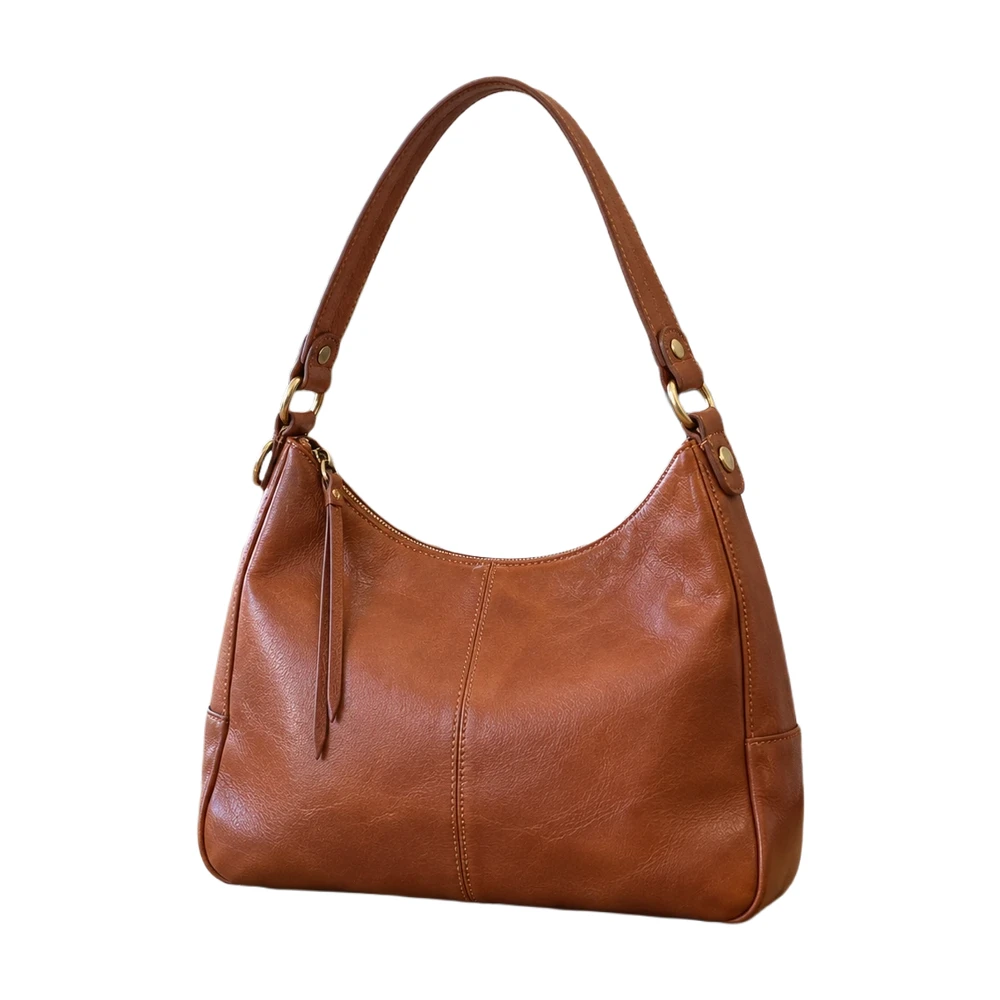
Make a white background for product photos online. Remove a busy backdrop, check product details and download a JPG or PNG free, without a watermark.
Open tool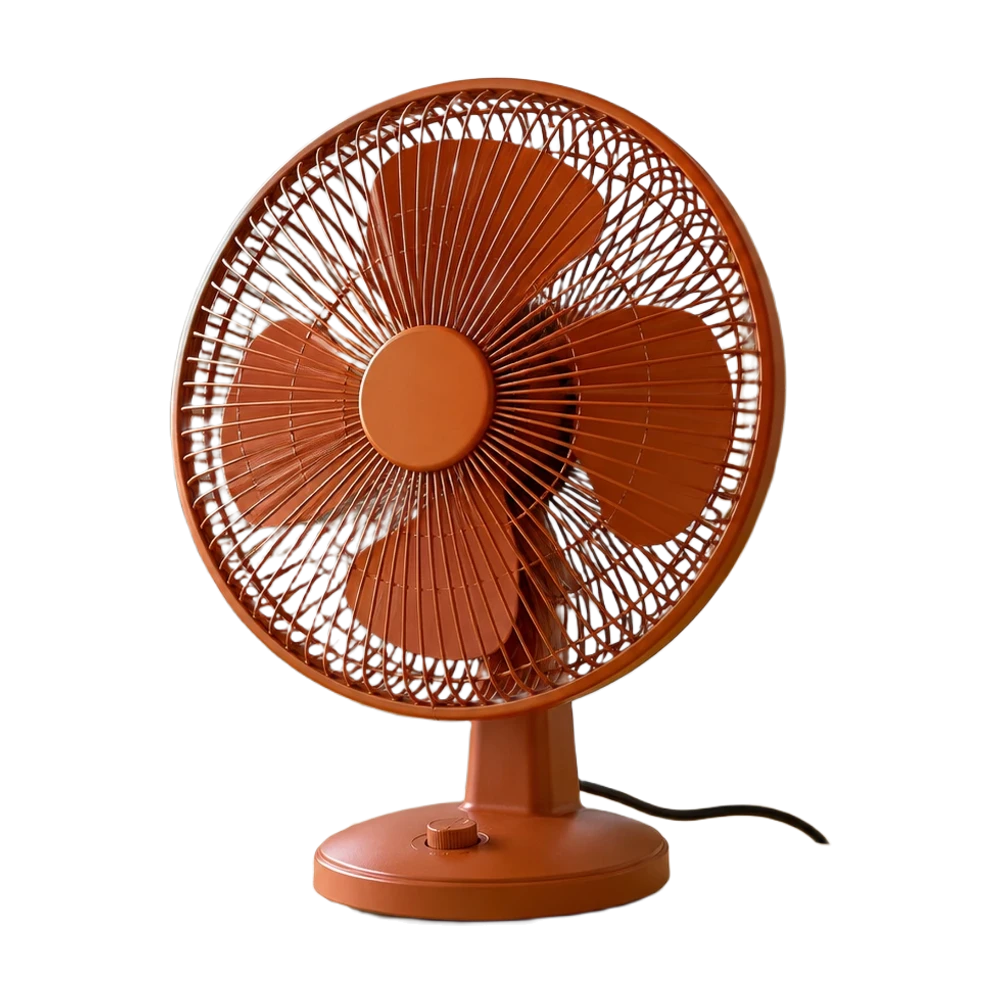
Make a transparent background for product photos online. Remove the backdrop, inspect edges and download a transparent PNG free, with no watermark.
Open tool
Add a white background to a transparent PNG in your browser. Keep its existing cutout, choose the framing and download a white JPG or PNG for free.
Open tool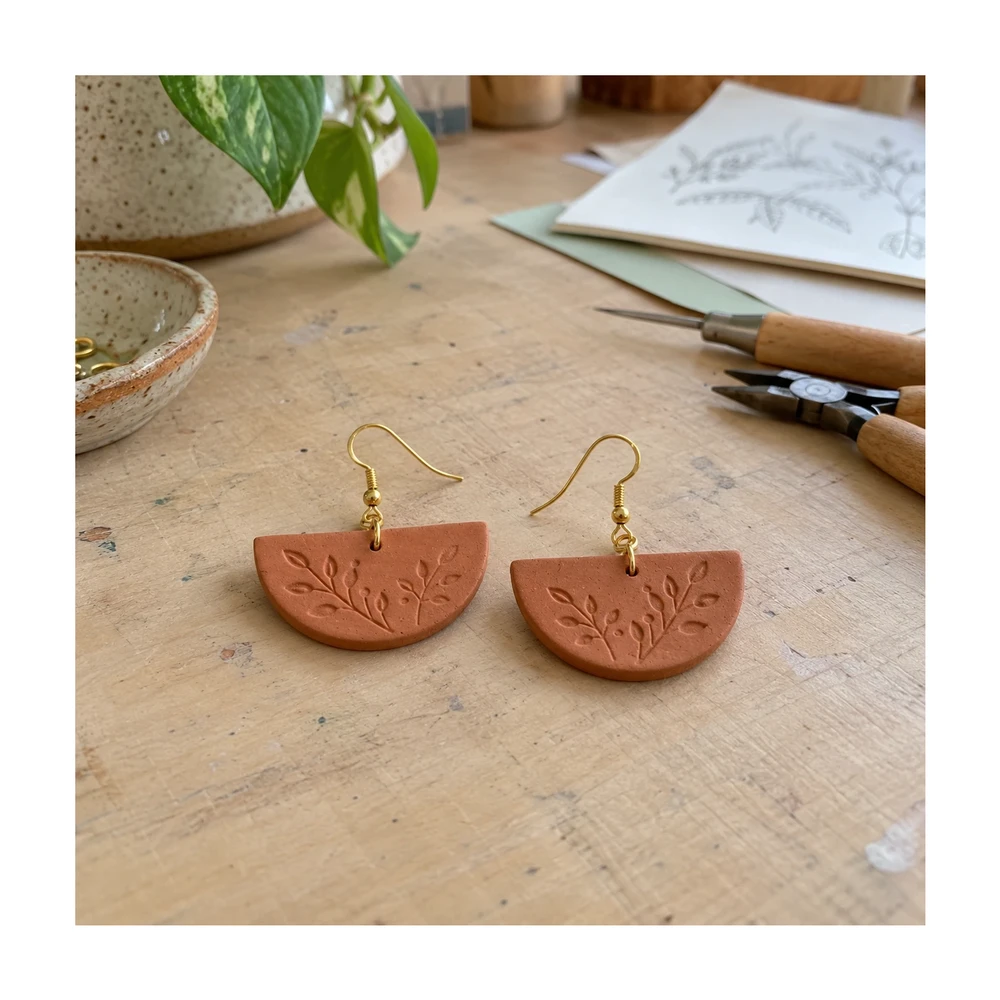
Prepare Etsy listing photo size and framing in your browser. Keep handmade details visible, adjust white space and check actual export dimensions.
Open tool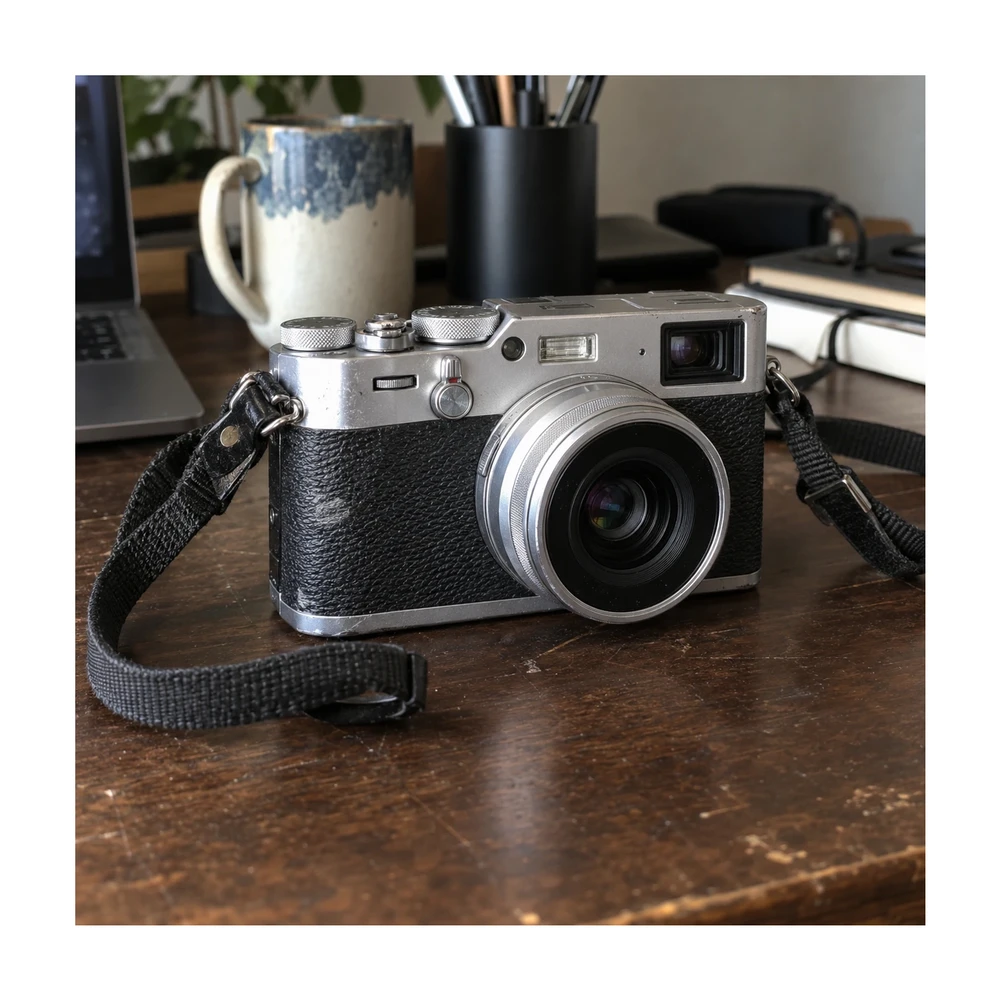
Prepare eBay photo size with a 1600 px square preset or custom canvas. Clean the backdrop, preserve visible item condition and download a listing photo.
Open tool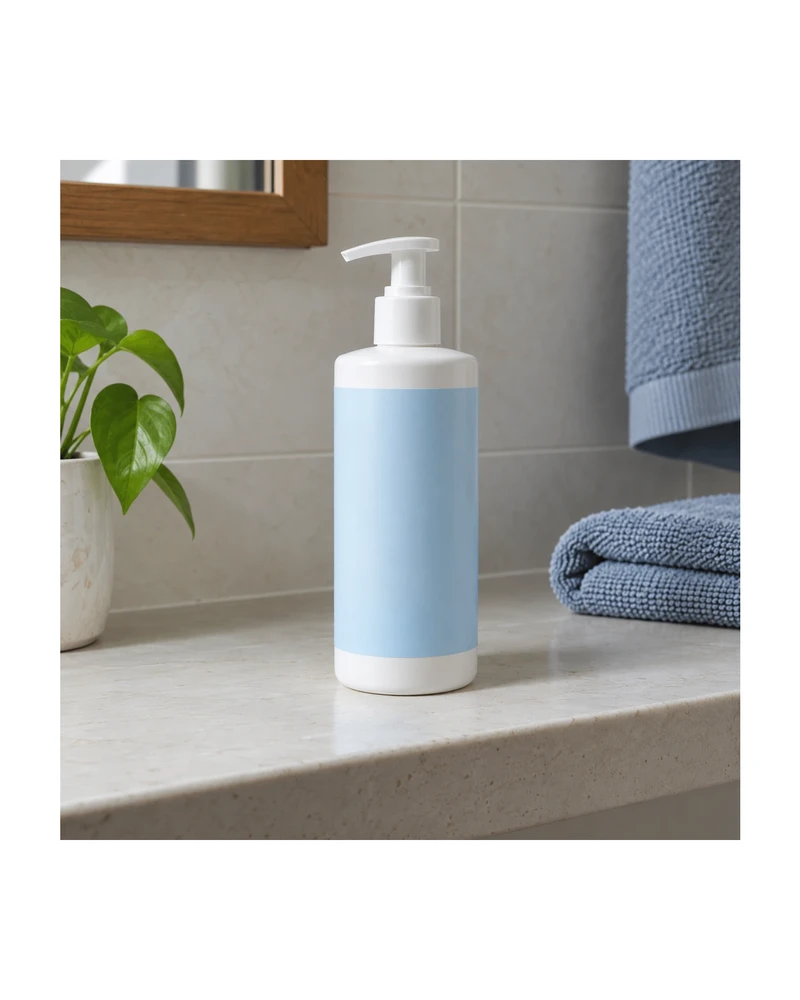
Resize product images to custom dimensions with white padding. Preview framing, keep the product proportionate and download a JPG or PNG in your browser.
Open toolNeed the whole workflow? Read how to make a photo background white.
READY WHEN YOU ARE
One photo, a clearer result. Free with Quick processing, with no sign-up or watermark.
Touch up my photo — free