
Prepare a first main-image draft
Use a photograph that clearly shows the product being sold. Remove the room or workbench from the background, then check that the image still represents the exact item, color and included components of the listing.
FREE SINGLE PHOTOS · NO SIGN-UP · NO WATERMARK
Start with your own product photo and prepare a white-background main image. The Amazon preset starts at 2000 × 2000 px with 85% subject fill; inspect the actual export before listing.
On your device. No sign-up. No watermark.
Photos stay on your device. First use downloads an AI model (~220 MB).
Quick processing keeps photos on your device. Background removal downloads an AI model only when needed (about 220 MB). Public URL imports depend on the image host allowing browser access.
SEE WHAT CHANGES
The editor provides an Amazon-labeled framing preset, not an approval certificate. The example makes the suitcase easier to see, but a seller still needs to review the full image and the applicable category rules.
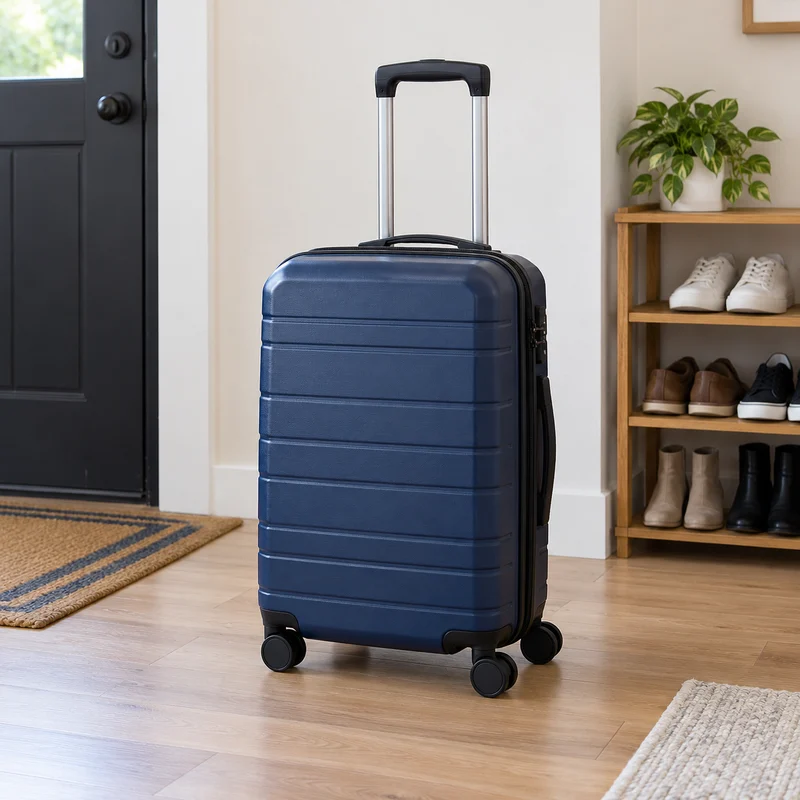
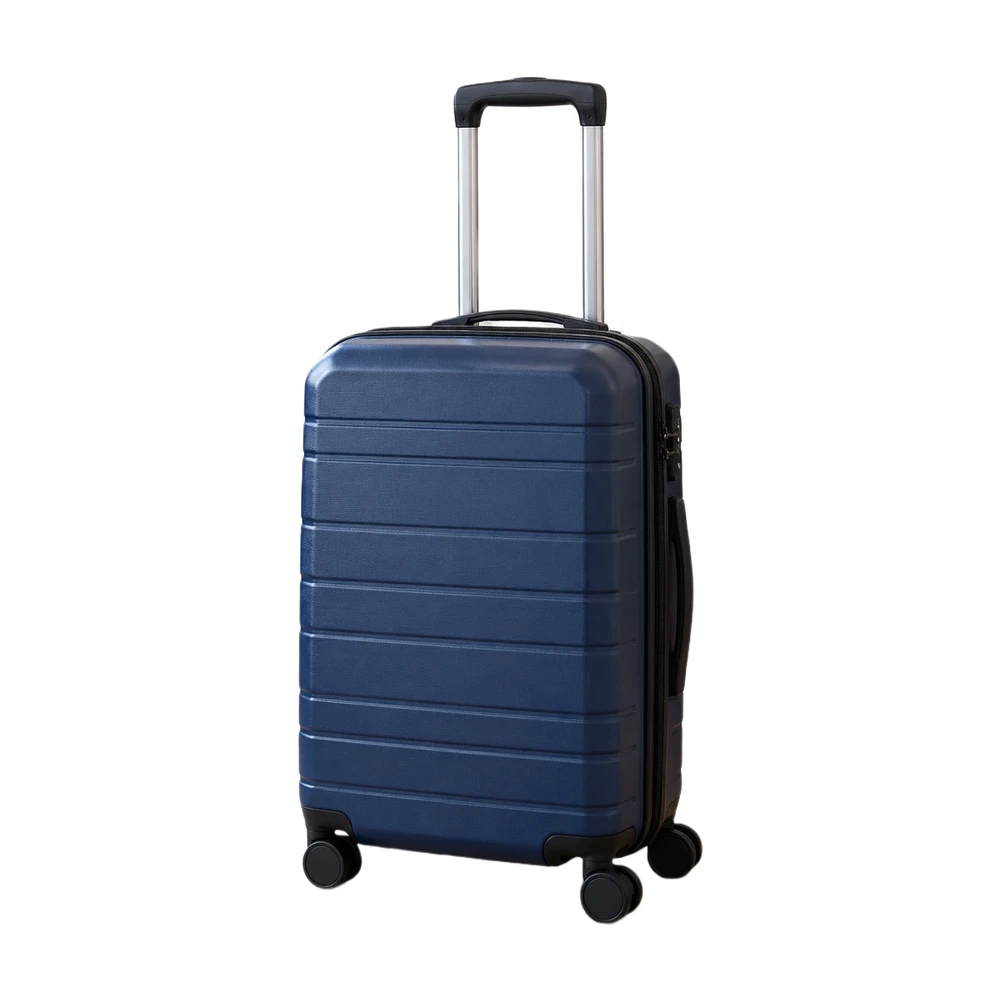
Example source photos were created for this tool. Results shown here were processed with the local browser engine; inspect your own result before using it.
MADE FOR THE WAY YOU WORK
Use a photograph that clearly shows the product being sold. Remove the room or workbench from the background, then check that the image still represents the exact item, color and included components of the listing.
Handles, wheels and long accessories can touch the canvas boundary even when the central body looks well framed. Adjust fill and review every side of the cutout, especially when the product is much taller than it is wide.
Compare the existing main image with a new white-background draft. Check the source resolution, edge quality and visible content before replacing it. A technical framing check does not assess every policy about props, packaging or added text.
Need a larger source first? Compare a separate 2× result with the product photo enhancer. Check labels, logos and textures before bringing the result into this editor.
Inspect handles and small gaps with the edge touch-up editor before checking your main image.
Prepare more products with bulk background removal after testing a representative item.
FROM INPUT TO DOWNLOAD
Start with a sharp, complete photo that you have permission to use. This page selects the Amazon preset. Quick processing processes single photos on the device without an account or watermark.
Let the model remove the setting, then keep the white output selected. Inspect gaps around the handle, any support stand and the area below the wheels. Use the touch-up brush for leftovers.
The preset targets a 2000 × 2000 px canvas and starts at 85% subject fill. It never enlarges a small original. Read the actual export dimensions and inspect edge-contact and framing checks before relying on the target values.
Download JPG or PNG and review it against the current main-image rules for your product category. Check content, included accessories and any added text as well as the background. Upload only after your own visual and policy review.
A FEW USEFUL ANSWERS
Yes. The Amazon preset, local single-photo removal, manual touch-ups and JPG or PNG exports up to a 2200 px maximum edge are free. Pro is needed for local batches or photo exports up to 4096 px.
It selects a 2000 × 2000 px target canvas with 85% subject fill by default. The tool fits the detected product proportionately on the canvas, with adjustable fill and no enlargement beyond the source resolution.
No. The editor checks technical aspects such as framing and output size, not every listing policy or category rule. Review the current Amazon requirements, source content, props, packaging and added text before uploading.
The original does not contain enough pixels to meet that target at the chosen fill without enlargement. The editor reduces the canvas instead of inventing detail. Use a larger original when your listing needs a higher-resolution image.
Use Erase for a leftover region that should not be part of the cutout. Work carefully around wheels and feet, and use Restore or Undo when a stroke hides a real product detail.
Pro can process up to 100 photos with shared settings. Test the preset on your tallest, widest and smallest sources first. Different variant angles and source resolutions can still require individual review.
THE NEXT PART OF YOUR WORKFLOW
Choose the task you need next. Each tool opens with its own settings and examples.
Make a white background for product photos online. Remove a busy backdrop, check product details and download a JPG or PNG free, without a watermark.
Open tool
Make an image square with white padding around the product. Keep handles and edges in frame, adjust the product fill and download a JPG or PNG free.
Open tool
Use a free white background photo editor with Erase, Restore, Undo and Redo. Touch up leftover background, recover details and export a JPG or PNG.
Open tool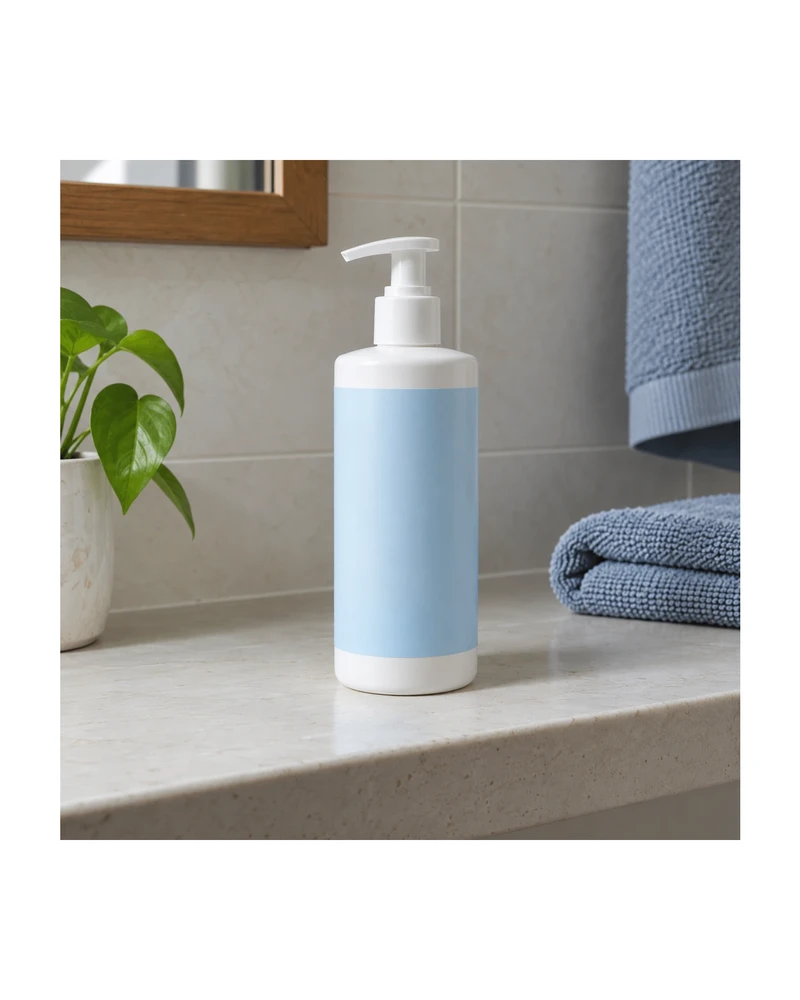
Resize product images to custom dimensions with white padding. Preview framing, keep the product proportionate and download a JPG or PNG in your browser.
Open tool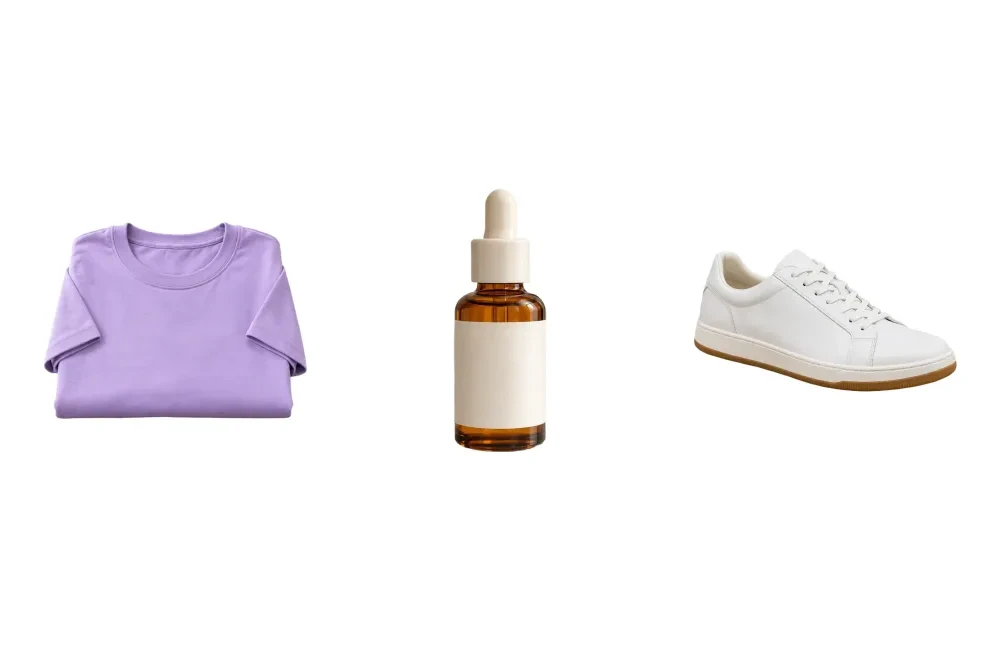
Remove backgrounds from up to 100 product photos with Pro. Apply shared framing, review each result and download a ZIP. Try a single photo free.
Open tool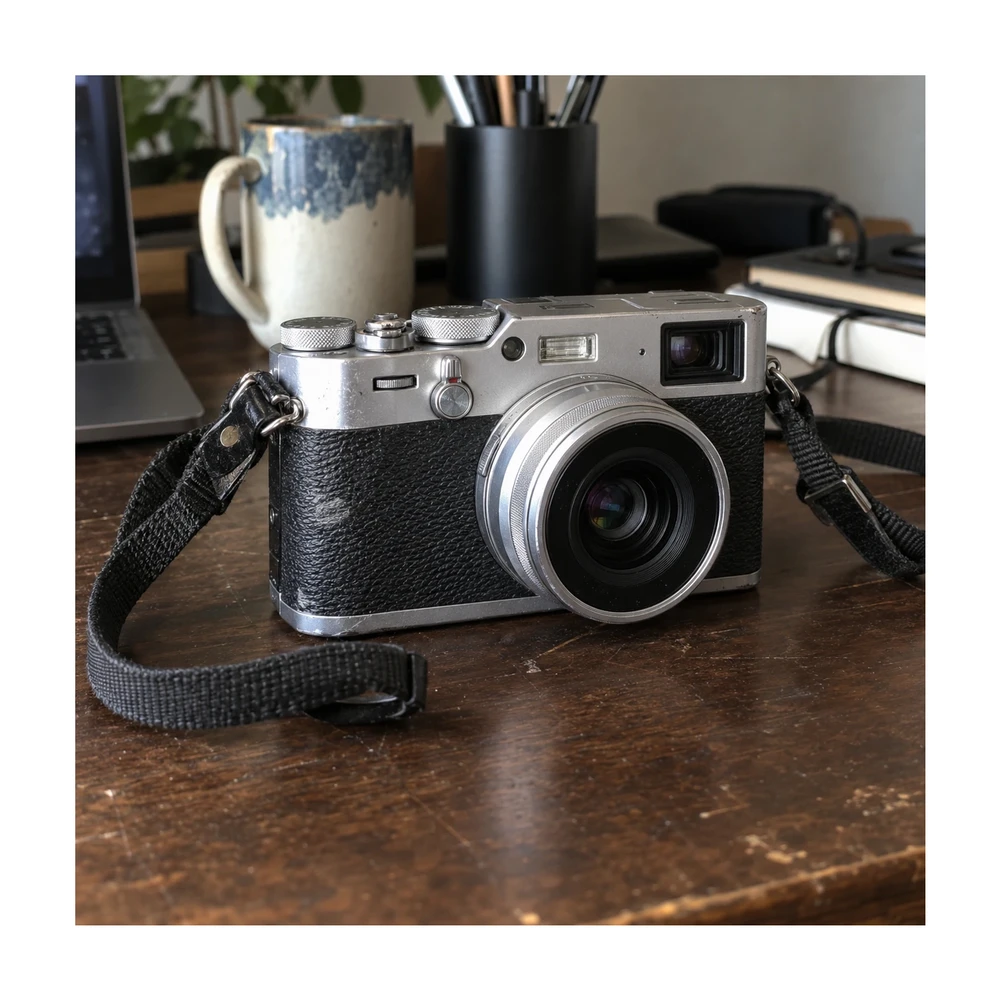
Prepare eBay photo size with a 1600 px square preset or custom canvas. Clean the backdrop, preserve visible item condition and download a listing photo.
Open toolNeed the whole workflow? Read how to make a photo background white.
READY WHEN YOU ARE
One photo, a clearer result. Free with Quick processing, with no sign-up or watermark.
Prepare my Amazon image — free