
Prepare an image for a new placement
A collection tile, detail page and promotional layout can need different outer shapes. Set a canvas for the placement and fit the image inside it, instead of stretching a product until it fills every corner.
FREE SINGLE PHOTOS · NO SIGN-UP · NO WATERMARK
Set the canvas width and height, then fit your product without stretching it. Preview white space and export dimensions before you download. Small originals are never enlarged.
On your device. No AI processing needed.
Your photo stays on your device. No AI model download needed.
Quick processing keeps photos on your device. Background removal downloads an AI model only when needed (about 220 MB). Public URL imports depend on the image host allowing browser access.
SEE WHAT CHANGES
A product image resizer should distinguish canvas dimensions from product detail. Making a larger box around a small image does not create a sharper product photograph.
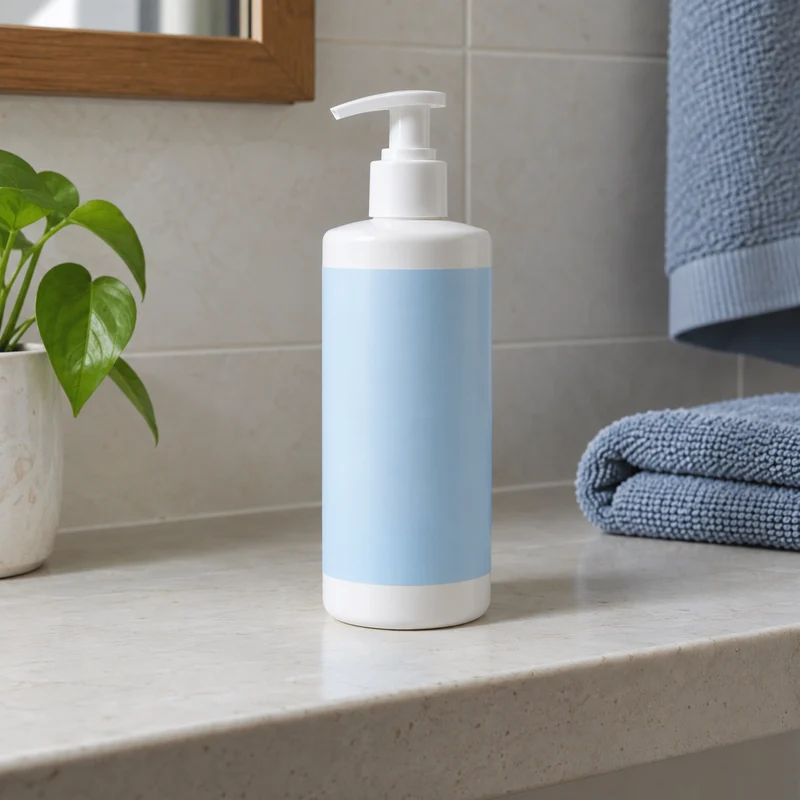
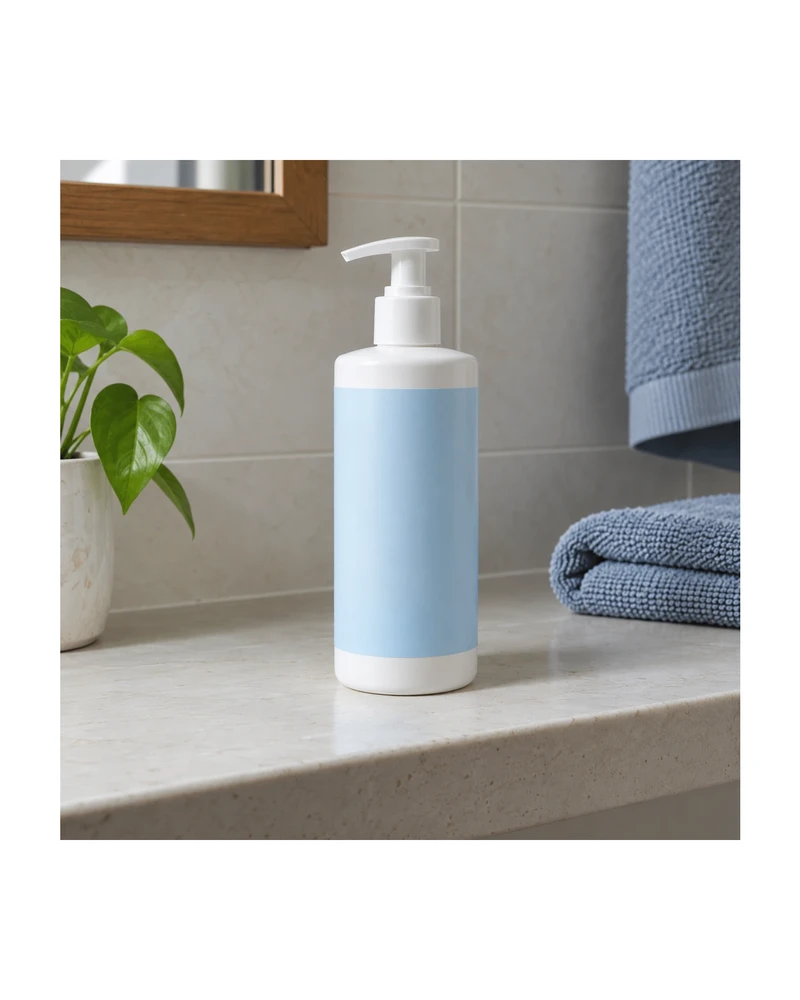
Example source photos were created for this tool. Results shown here were processed with the local browser engine; inspect your own result before using it.
MADE FOR THE WAY YOU WORK
A collection tile, detail page and promotional layout can need different outer shapes. Set a canvas for the placement and fit the image inside it, instead of stretching a product until it fills every corner.
Start with the highest-resolution originals you are allowed to use. Apply a common canvas ratio and spacing, then compare the actual exports. Differences in source quality remain visible even after canvas sizes match.
A destination theme or listing can show a smaller crop than the uploaded file. Extra white space gives you some flexibility. Test the real storefront preview and keep small labels or long accessories away from the outer boundary.
Need a larger source first? Compare a separate 2× result with the product photo enhancer. Check labels, logos and textures before bringing the result into this editor.
For equal sides with the whole item visible, make your image square without cropping using white padding.
Preparing a store collection? Try the Shopify image resizer for a consistent square preset.
FROM INPUT TO DOWNLOAD
The initial setup keeps the full original photo. Enable background removal before uploading when you want a clean product cutout instead. Select the workflow that matches the image you need to resize.
Use the custom size controls or select a marketplace preset. Free photo exports are capped at 2200 px on the longest edge; Pro supports up to 4096 px. Values describe a target canvas, not guaranteed new product detail.
Set subject fill between 70% and 95% and check every side of the item. The tool scales proportionately and never stretches the product to match a new aspect ratio. Read the actual output size below the controls.
Save a JPG for an opaque photo or PNG for a lossless image or transparent cutout. Upload the result to your store or design and verify the crop there before replacing a complete product collection.
A FEW USEFUL ANSWERS
Yes. Select Custom and enter width and height. The tool fits the image proportionately within that canvas. Free photo output has a maximum edge of 2200 px; Pro photo output supports up to 4096 px.
Only when you enable background removal before uploading. Otherwise the entire original photo is kept and fitted to the new canvas. This lets you choose between padding an existing photo and reframing a product cutout.
The editor does not enlarge your source to invent detail. If the original cannot fill the requested canvas at the chosen fill without upscaling, the canvas is reduced. Use the dimensions reported for the actual result.
Use common canvas dimensions and sufficiently large originals. Small sources can still produce reduced exports because of the no-upscaling rule. Inspect those exceptions individually rather than assuming the chosen target overrides source-resolution limits.
No. The width and height controls set pixel dimensions. The JPG and PNG exports do not provide a target-KB control, so inspect the downloaded file size if your destination has a separate file-size requirement.
Pro supports up to 100 photos in a local queue with shared settings and a ZIP download. First test the widest, tallest and smallest source images so you can identify files that need different framing or a larger original.
THE NEXT PART OF YOUR WORKFLOW
Choose the task you need next. Each tool opens with its own settings and examples.
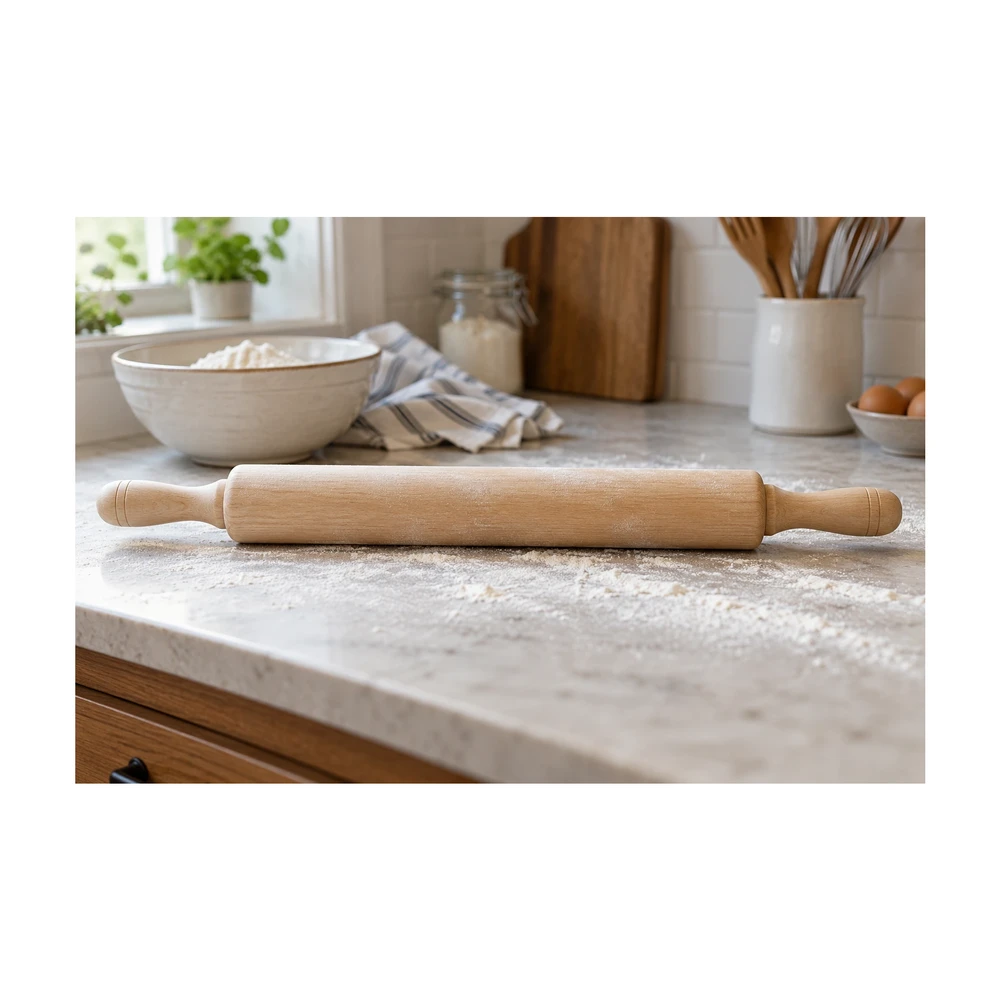
Make an image square with white padding around the product. Keep handles and edges in frame, adjust the product fill and download a JPG or PNG free.
Open tool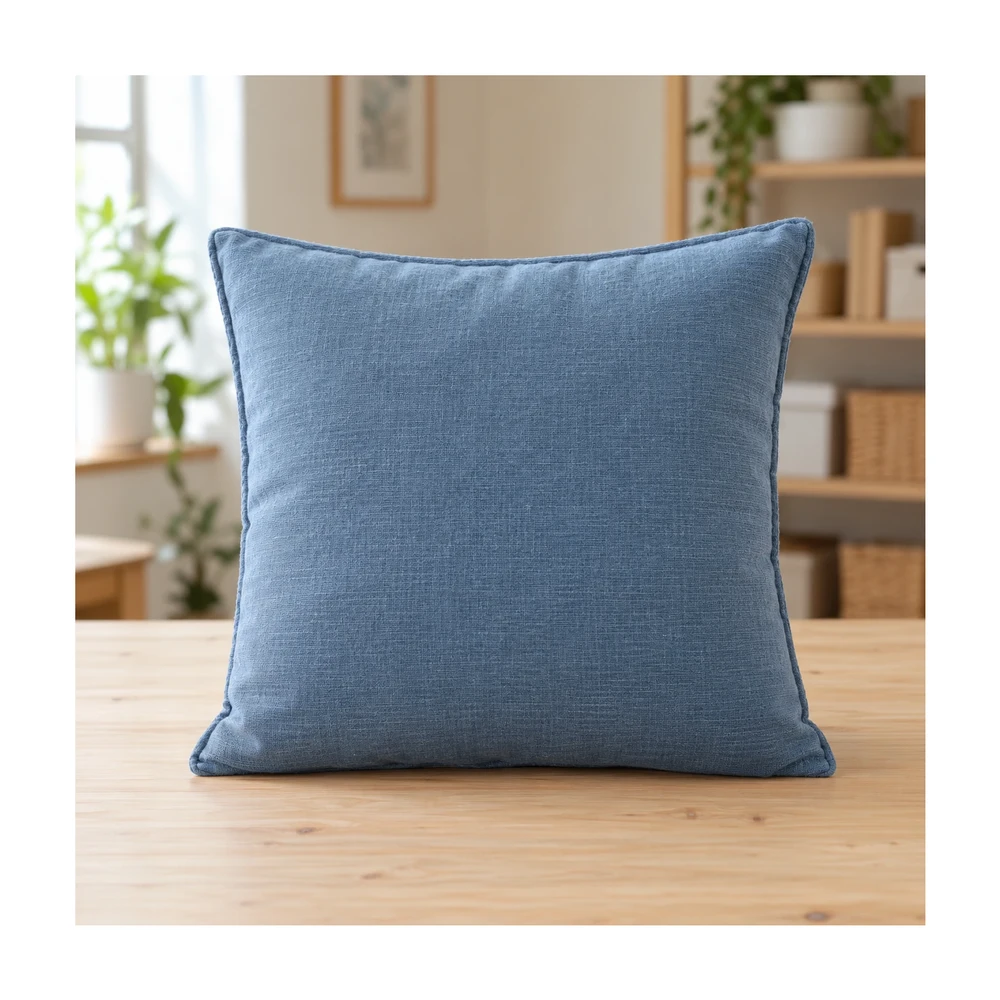
Resize Shopify product photos with a 2048 px square preset or custom canvas. Match product spacing and backgrounds, then download files for your store.
Open tool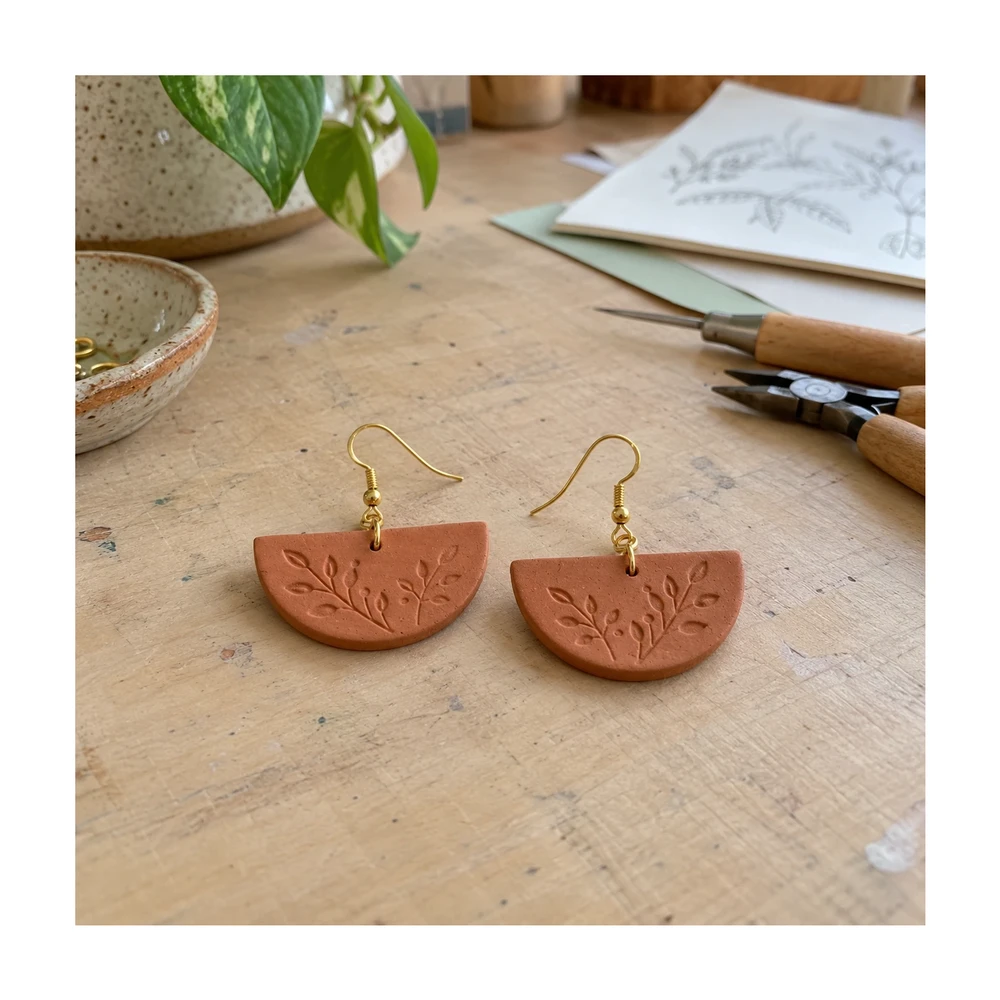
Prepare Etsy listing photo size and framing in your browser. Keep handmade details visible, adjust white space and check actual export dimensions.
Open tool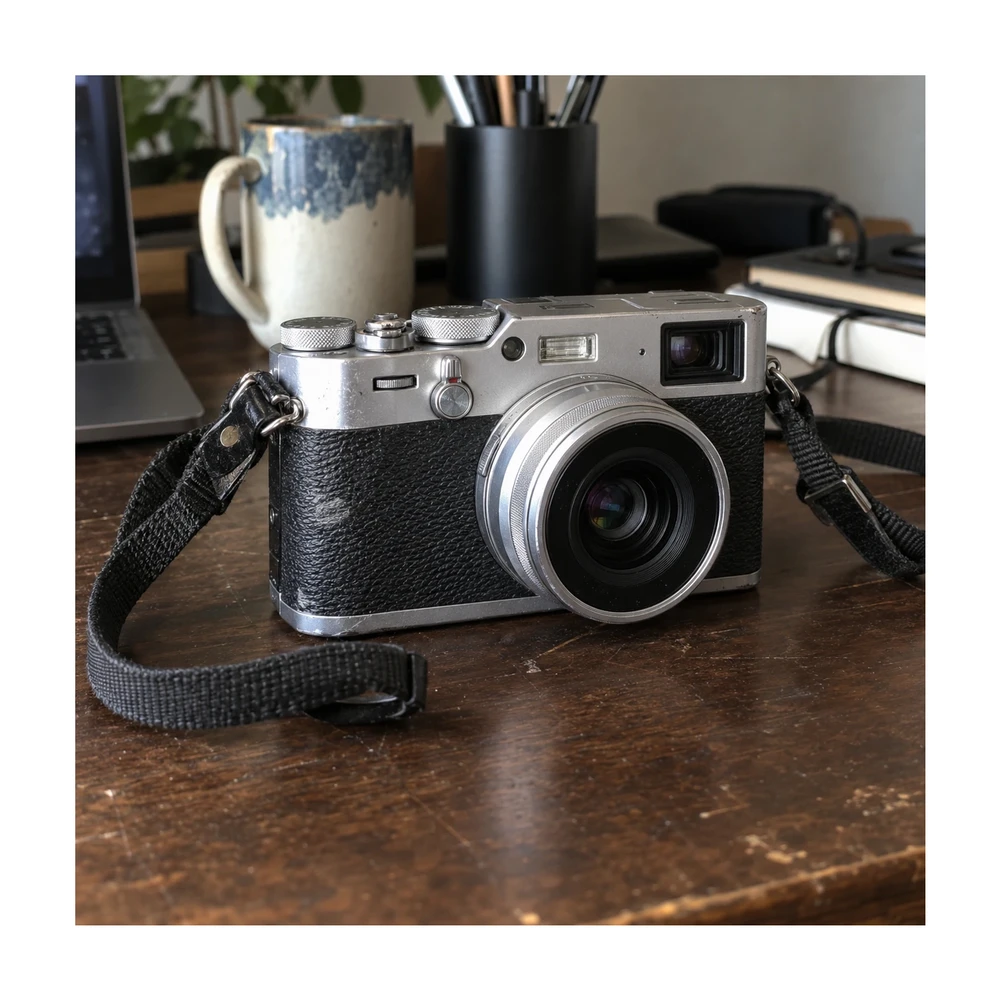
Prepare eBay photo size with a 1600 px square preset or custom canvas. Clean the backdrop, preserve visible item condition and download a listing photo.
Open tool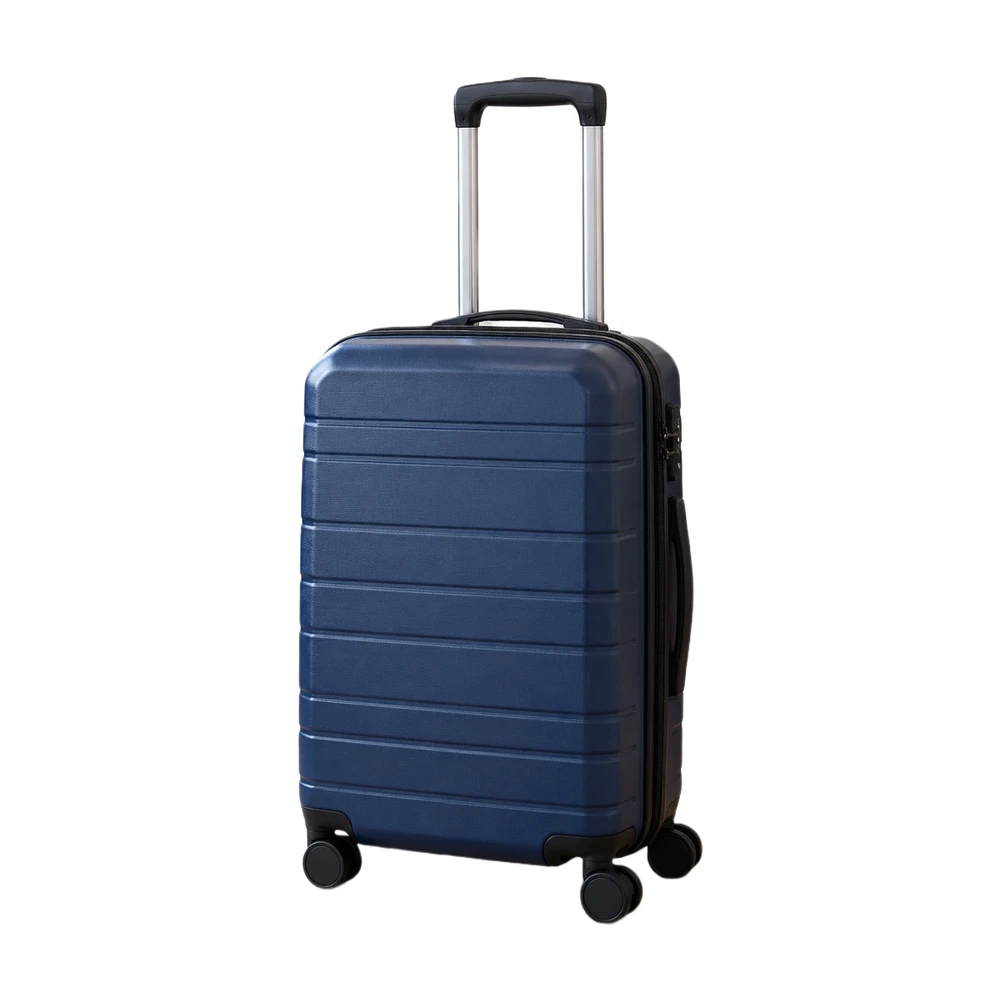
Prepare an Amazon main image with a pure white backdrop and adjustable product framing. Check output size and edges, then download a JPG or PNG.
Open tool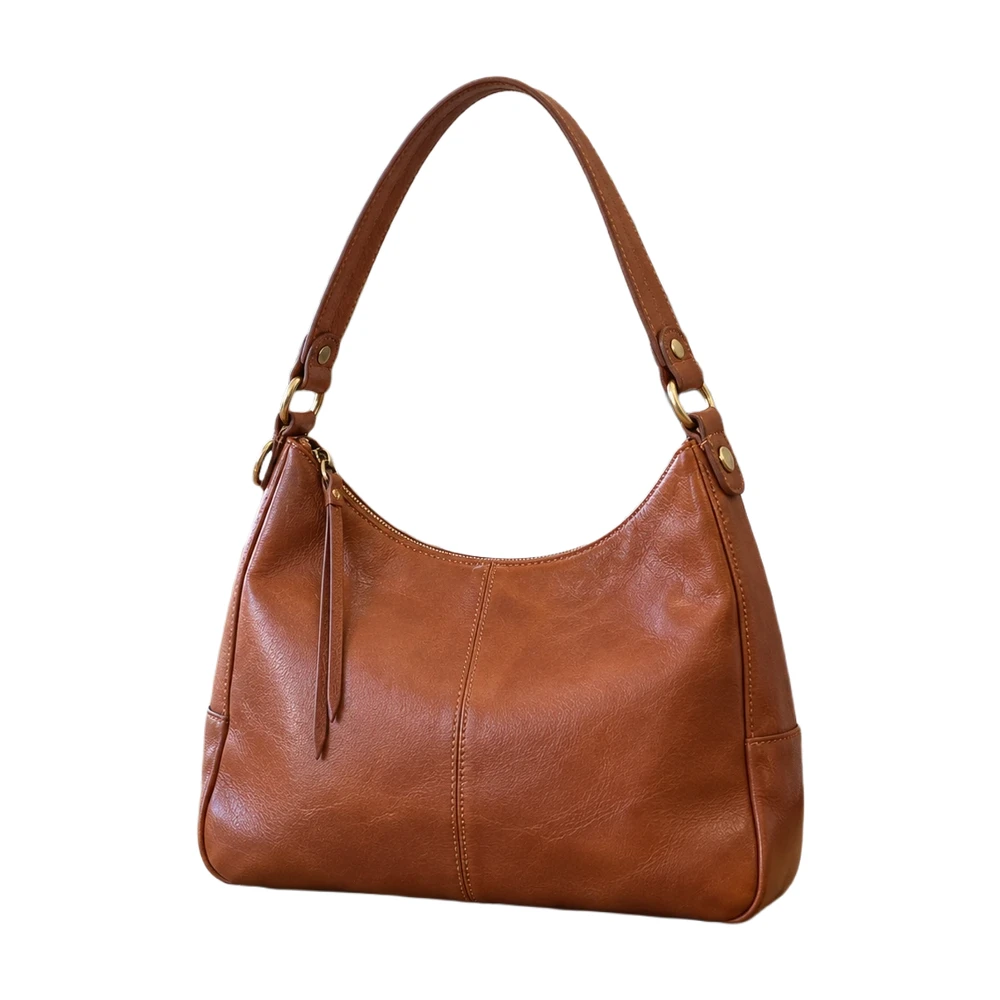
Make a white background for product photos online. Remove a busy backdrop, check product details and download a JPG or PNG free, without a watermark.
Open toolNeed the whole workflow? Read how to make a photo background white.
READY WHEN YOU ARE
One photo, a clearer result. Free with Quick processing, with no sign-up or watermark.
Resize my product photo — free