
Supplier photos
Enlarge a small supplier photo for closer inspection. Confirm specifications against the original source, especially model numbers and dimensions.
Free · 2× enlargement · No sign-up
Give a small product photo a clearer, larger view. Compare fine print, logos and textures, then download the version you trust.
Drop a photo here, paste an image, or choose one from your device.
JPG · PNG · WebP · up to 20 MB · longest edge up to 1100 pxAI downloads the local model and runtime once. Faster uses a ~10 MB model, a local text checker, and a ~56 MB detail model when small text is found. Detailed uses the full detail model. Large images and WebAssembly take longer; you can cancel and download standard 2×.
Free single-photo editing · No sign-up · No watermark · Your photo and its metadata stay on your device.
Actual local model results
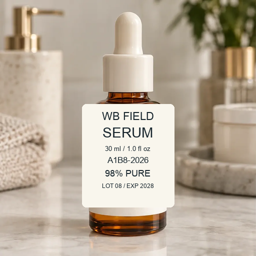
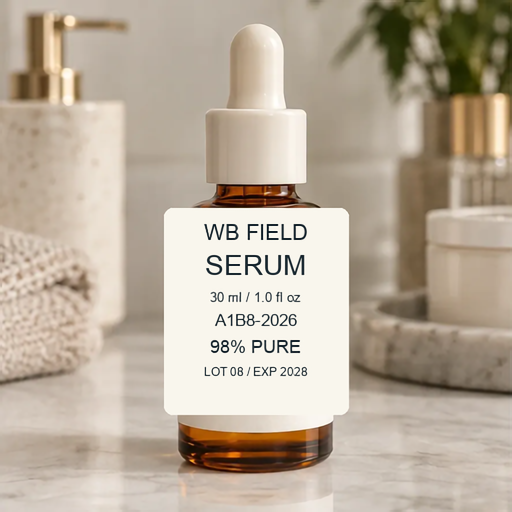
Controlled packaging artwork: check the volume, batch code and expiration line. Small print uses local Detailed refinement when detected.
Try this kind of photo ↑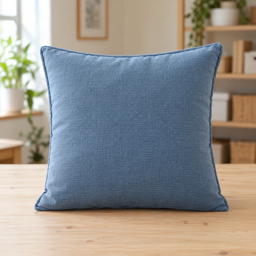
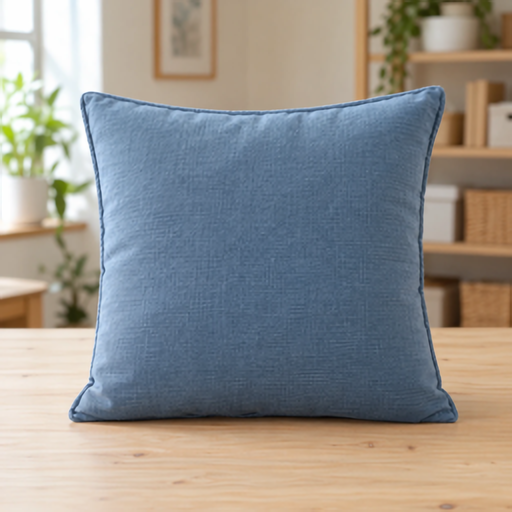
Woven blue fabric: compare the weave at the same output size. Enhancement should not be used to invent a material pattern.
Try this kind of photo ↑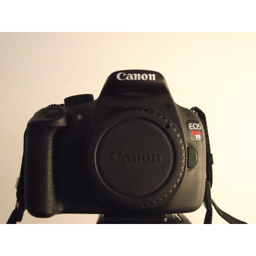
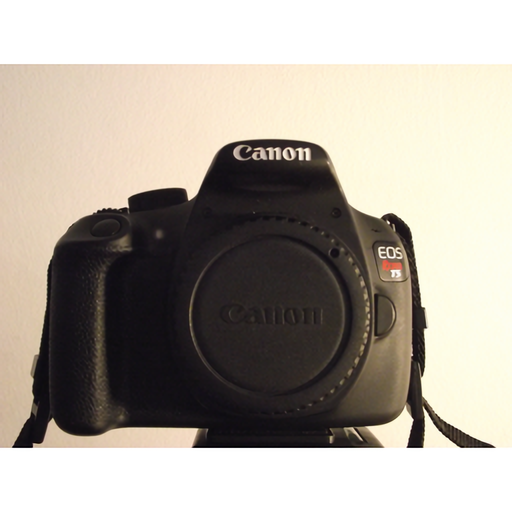
Real camera photograph, CC0: inspect the original brand lettering and body texture. A larger photo is not proof that a logo is accurate.
Try this kind of photo ↑Packaging artwork and fabric are owned demonstration assets. Camera: Jason Zhang, CC0. After images are actual Faster results with automatic fine-text care. Examples use mildly reduced inputs; heavy JPEG compression can permanently remove readable detail.
For your next listing
Enlarge a small supplier photo for closer inspection. Confirm specifications against the original source, especially model numbers and dimensions.
Check stitching, weave and jewelry edges. Keep the original texture as your reference; do not use a generated-looking pattern to describe a product.
Give shoppers a closer view of the item’s real condition. Preserve scratches, worn labels and other signs of use rather than hiding them.
Need a listing-ready canvas? After enhancement, make the product background white, fit the whole item into a square, or resize your product image. Start from a better original if essential text is already unreadable.
Three steps · no account needed
Upload, drop or paste one JPG, PNG or WebP. The longest edge can be up to 1100 pixels; the tool makes a 2× result up to 2200 pixels.
Try Faster with local fine-text care, or choose Detailed. Compare with ordinary enlargement at the same dimensions; inspect logos and material textures.
Mark labels or logos if you want ordinary enlarged pixels in those areas. Download AI or standard PNG without a watermark.
Good to know
Yes. Enhance one JPG, PNG or WebP at a time for free, without an account or watermark. Input files must be under 20 MB and up to 1100 pixels on the longest edge. A 2× result can be up to 2200 pixels.
No reliable tool can promise that missing letters are recovered accurately. Start with the clearest source available. Faster checks for small English print locally and uses the Detailed model in detected areas, but it can miss text and decorative logos. Manual protection works for any language or logo. Inspect important labels against the standard enlargement.
Start with Faster for a quick comparison. Choose Detailed when you want the full detail model across the entire photo. Both can alter fine details; compare text, logos, fabric, jewelry and existing wear against the original before publishing.
Your browser first downloads the AI runtime and model files. Faster also loads a local text checker and may need the detail model for fine print. Later photos can reuse the ready models. Speed depends on image size, browser, graphics hardware and available memory. WebAssembly is a slower fallback, and you can cancel.
No. Enhancement, text detection, protection and PNG export run on your device. The tool downloads models and runtime files; it does not upload your photo or EXIF metadata. With image URL import, your browser reads directly from the image host, which must allow access.
This tool enlarges image details and keeps the existing background. To isolate your item on white, use the product white-background tool afterward. Resizing and background removal are separate operations, so they do not silently enlarge a small original.
This version provides 2× enhancement with a maximum output edge of 2200 pixels. It does not offer 4× enhancement, a 4K enhancement plan or bulk enhancement. Choosing a large canvas in a separate editor is not the same as restoring detail.
PNG transparency is retained during composition. Download the PNG and check fine edges against a contrasting background. Manual protection preserves ordinary enlarged pixels in the marked areas, including their alpha values.
Continue your product workflow
Isolate an item on a clean white canvas.
Open tool ↗Set useful dimensions and margins.
Open tool ↗Keep the complete product in the frame.
Open tool ↗Export a cutout for other layouts.
Open tool ↗Prepare a white main-image canvas.
Open tool ↗Erase leftovers or restore a missed detail.
Open tool ↗Free product photo enhancement. Your photo stays on your device.