Skip to content
whitebackground
Editor
Tools ⌄
Product photo white backgroundsBulk background removalAdd white to transparent PNGTransparent product imagesSquare product photosResize product imagesRefine product photo edgesPlain white backgroundsAmazon main image editorShopify image resizerEtsy listing photo framingeBay listing photo sizeProduct photo enhancerPricing & plansQuestions & answersHow it worksSign in
How it worksFeaturesPricingFAQ
Sign inStart free
Home/Etsy listing photo framing

FREE SINGLE PHOTOS · NO SIGN-UP · NO WATERMARK

Etsy Listing Photo Size and Framing Tool

Give hooks, tassels and handmade details room in the frame. Preview your photo, adjust the space around it, and check the actual pixel size before adding it to an Etsy listing.

On your device FREE

On your device. No AI processing needed.

Upload filesor paste
No photo handy?
Try a sample — always free.

Your photo stays on your device. No AI model download needed.

Quick processing keeps photos on your device. Background removal downloads an AI model only when needed (about 220 MB). Public URL imports depend on the image host allowing browser access.

SEE WHAT CHANGES

Keep the handmade details inside the thumbnail

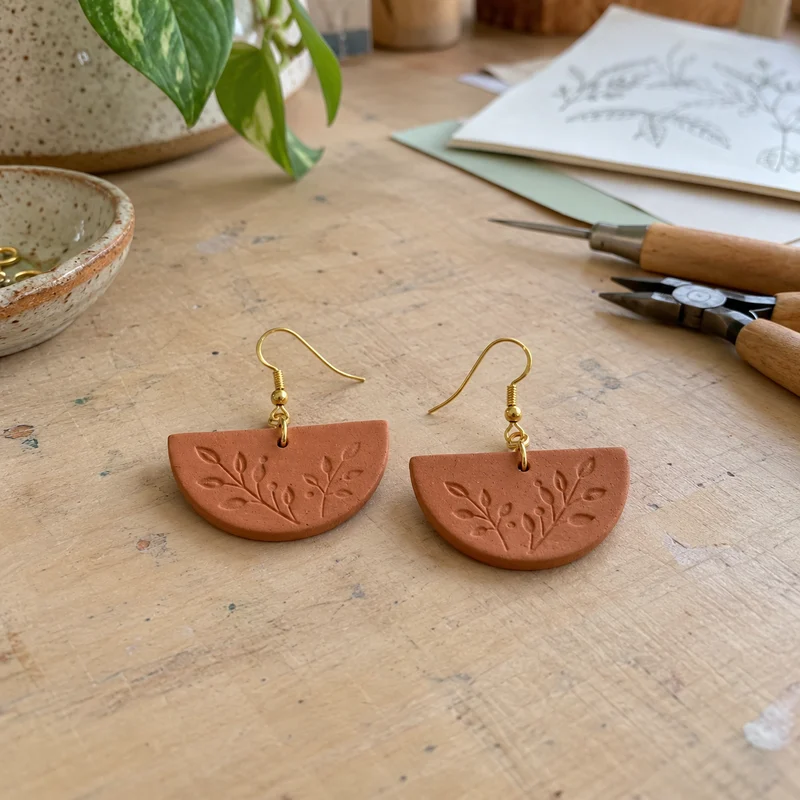
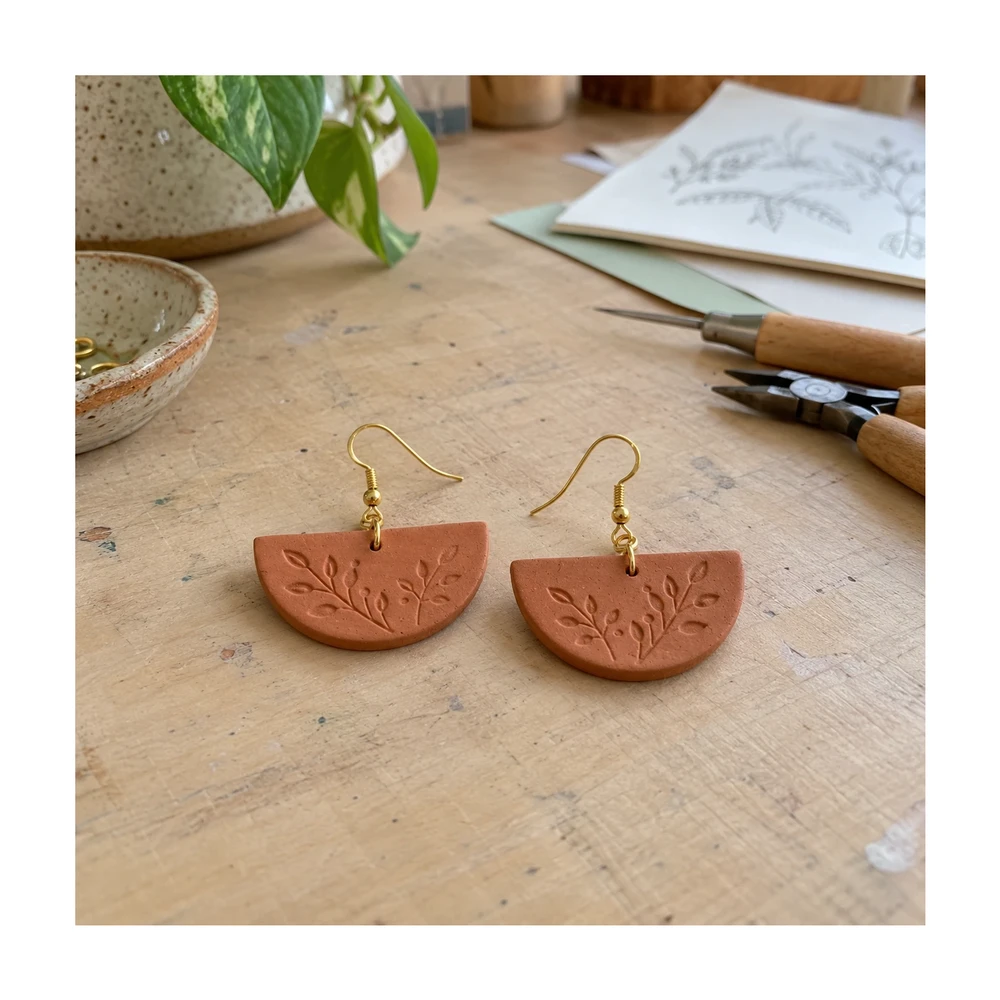
Etsy listing photo size is only part of the task. A well-sized image can still lose an earring hook, tassel or label when a smaller preview crops the frame. Leave room for those details.

Original craft-table photoHandmade terracotta earrings with gold hooks on a craft table
Resized with white paddingThe complete earring photograph fitted within the listing canvas
Actual browser export with the entire original photo preserved. Enable background removal before uploading if you also want a cutout on white.

Example source photos were created for this tool. Results shown here were processed with the local browser engine; inspect your own result before using it.

MADE FOR THE WAY YOU WORK

Where etsy listing photo framing can help

↗

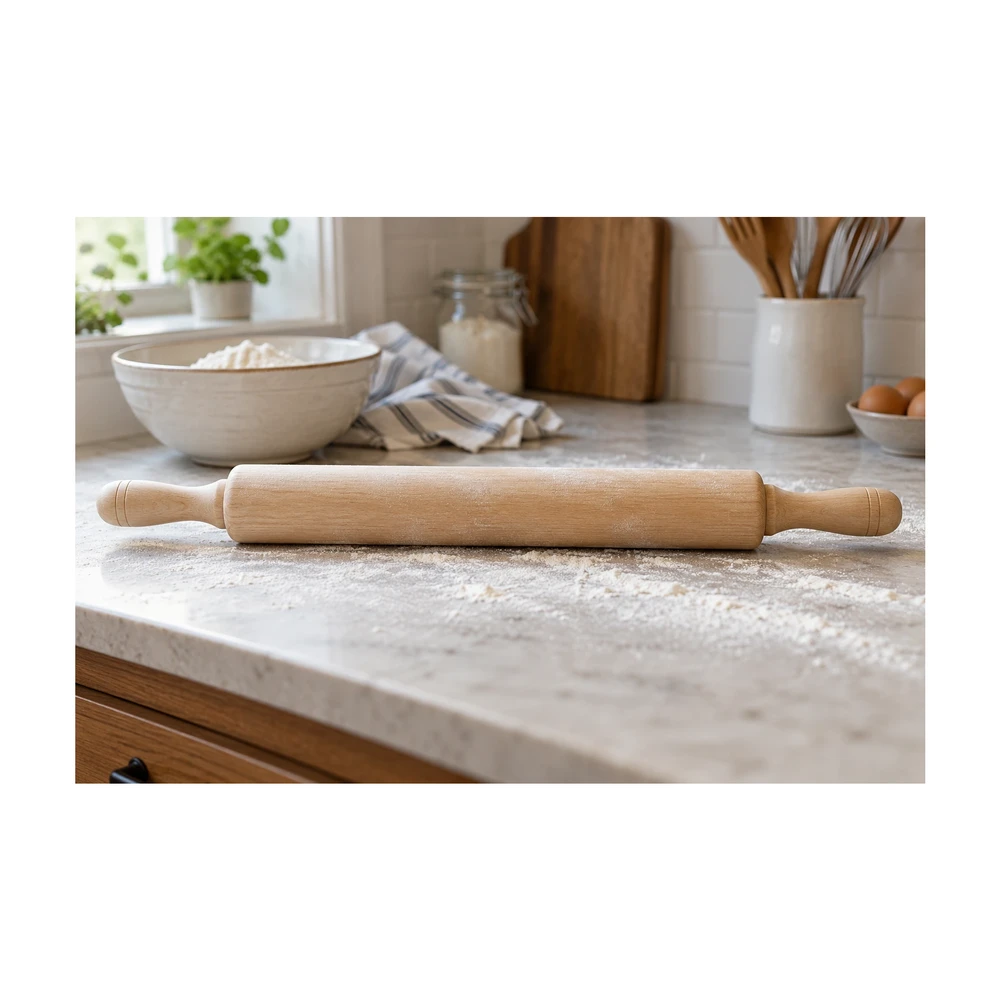
Show a delicate handmade item clearly

Small hooks and fine edges can disappear against a busy work surface. Use a cleaner backdrop, then compare the cutout with the original. Restore missing details where possible, and avoid presenting a changed silhouette as the actual item.
↗

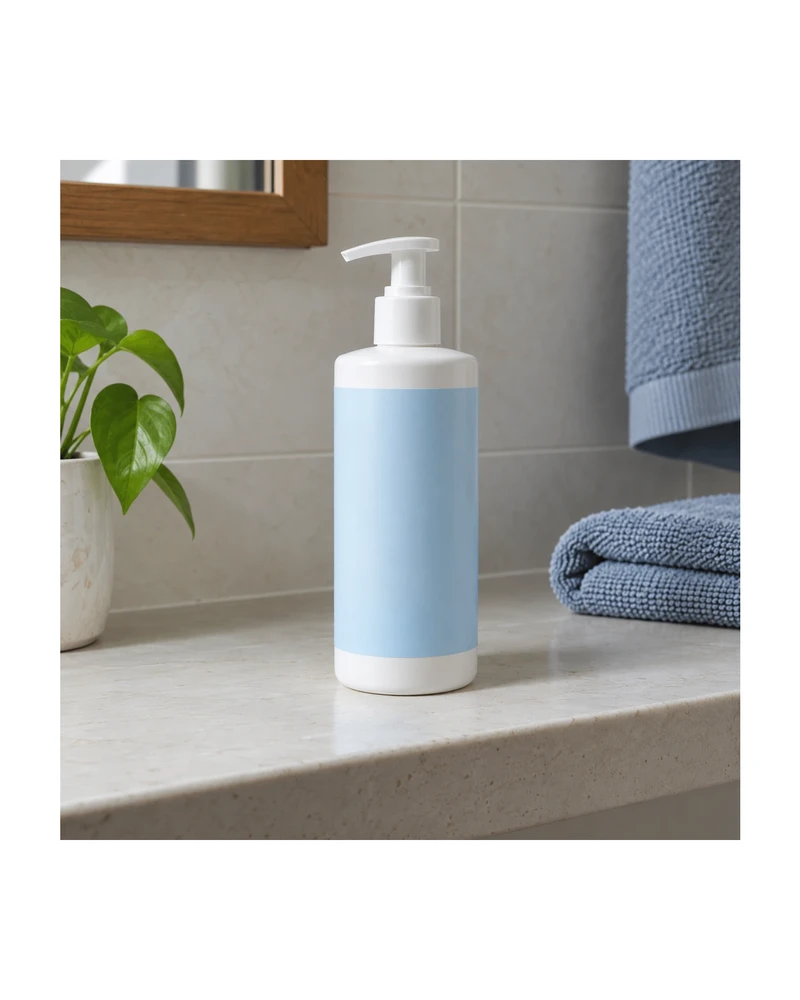
Protect details from thumbnail crops

Give important features some distance from the outer boundary. A listing photo can appear in several layouts, so inspect the actual crop on Etsy rather than assuming the full uploaded rectangle will always be visible.

↗

Use white alongside contextual listing photos

A clean image can help a shopper see the item, while additional photographs can explain scale, materials and use. Keep the product color and handmade characteristics accurate, and choose the presentation that fits the listing.

Inspect hooks and delicate details in the edge touch-up editor if you choose background removal.

For a square thumbnail with the whole item visible, add white padding without cropping before previewing your listing.

FROM INPUT TO DOWNLOAD

How to frame your Etsy listing photo

  1. 01

    Upload a complete view of the item

    Start with a sharp image that includes every hook, tassel or edge. This page selects the Etsy preset. The full original scene is kept by default. Enable background removal before upload only when you want an isolated product. Existing transparent PNG inputs keep their alpha.

  2. 02

    Inspect fine details after removal

    Review both the outside silhouette and small spaces inside the item. Use Erase for leftover background or Restore for missing original pixels. A brush cannot create a hook that was absent from the source photograph.

  3. 03

    Choose the space and read the actual size

    The Etsy preset targets a 2000 px short side and follows the source aspect ratio. Free photo exports have a 2200 px maximum long side, so the actual short side can be below that target. Pro supports a maximum edge of 4096 px.

  4. 04

    Check the listing thumbnail

    Download the file and preview it in your actual Etsy listing. Inspect what remains visible in the thumbnail and adjust the source framing if necessary. Keep enough context across the rest of the listing to show the item accurately.

BEFORE YOU DOWNLOAD

A result you can check yourself

  • ✓Hooks, tassels and small attachments remain visible.
  • ✓Actual export dimensions have been read after the free-size cap.
  • ✓The listing thumbnail has enough room around important details.
  • ✓The item color, shape and handmade characteristics remain accurate.

Listing rules can change. Etsy’s current listing-image requirements ↗

Try the tool above ↑

A FEW USEFUL ANSWERS

Etsy listing photo framing FAQ

What Etsy listing photo size does this tool target?

The Etsy preset targets a 2000 px short side, using the source aspect ratio. Free photo exports are also capped at a 2200 px long side, and small originals are not enlarged. Check the actual dimensions shown for your result.

Will the export always have a 2000 px short side?

No. A long or tall source can reach the free 2200 px long-edge cap first. A small original can also reduce output. The preset is a framing target; it does not override the export limit or the no-upscaling rule.

Can I make the Etsy photo square instead?

Yes. Select Custom and set equal width and height, or use the square-image tool. Choose enough padding for the full item and inspect the thumbnail in your actual listing before replacing the original.

Is white required for every Etsy listing image?

Choose a backdrop that represents the item clearly and suits the listing. This tool can prepare white or transparent output, but does not make a blanket rule for every category or replace Etsy’s current image guidance.

How do I keep tiny hooks from disappearing?

Use a sharp source with contrast around the hook, inspect the model result and work with a small Restore brush when needed. Restoring pixels can also restore surrounding background, so review the correction closely.

Can this show the real size of jewelry?

Canvas framing is not a measurement of the physical product. Use accurate listing dimensions and additional reference photos to communicate scale. Enlarging an item visually within the image should not be used to imply a different real-world size.

THE NEXT PART OF YOUR WORKFLOW

Explore other tools

Choose the task you need next. Each tool opens with its own settings and examples.

Square product photos

Make an image square with white padding around the product. Keep handles and edges in frame, adjust the product fill and download a JPG or PNG free.

Open tool ↗

Resize product images

Resize product images to custom dimensions with white padding. Preview framing, keep the product proportionate and download a JPG or PNG in your browser.

Open tool ↗

Refine product photo edges

Use a free white background photo editor with Erase, Restore, Undo and Redo. Touch up leftover background, recover details and export a JPG or PNG.

Open tool ↗

Transparent product images

Make a transparent background for product photos online. Remove the backdrop, inspect edges and download a transparent PNG free, with no watermark.

Open tool ↗

Product photo white backgrounds

Make a white background for product photos online. Remove a busy backdrop, check product details and download a JPG or PNG free, without a watermark.

Open tool ↗

Bulk background removal

Remove backgrounds from up to 100 product photos with Pro. Apply shared framing, review each result and download a ZIP. Try a single photo free.

Open tool ↗

Need the whole workflow? Read how to make a photo background white.

READY WHEN YOU ARE

Frame my Etsy listing photo

One photo, a clearer result. Free with Quick processing, with no sign-up or watermark.

Frame my Etsy photo — free ↑

WE'RE HERE TO HELP

Need help with
a product photo?

Questions about an edit, a plan or a download? Get in touch.

Send us a message

Tell us what you were trying to make.

support@whitebackground.app ↗Contact & support
whitebackground

A little less background.
A lot more focus on your photo.

support@whitebackground.app

MAKE SOMETHING CLEARMake background whiteProduct photo enhancerProduct photo white backgroundsBulk background removalAdd white to transparent PNGTransparent product imagesSquare product photosResize product imagesRefine product photo edgesPlain white backgroundsAmazon main image editorShopify image resizerEtsy listing photo framingeBay listing photo sizePricing
THE DETAILSAboutContactPrivacy policyTerms of serviceRefund policyDisclaimerLicenses & acknowledgments

© 2026 WhiteBackground.app

WhiteBackground.app is an independent tool and is not affiliated with Amazon, Walmart, Shopify, Etsy or eBay.