Skip to content
whitebackground
Editor
Tools ⌄
Product photo white backgroundsBulk background removalAdd white to transparent PNGTransparent product imagesSquare product photosResize product imagesRefine product photo edgesPlain white backgroundsAmazon main image editorShopify image resizerEtsy listing photo framingeBay listing photo sizeProduct photo enhancerPricing & plansQuestions & answersHow it worksSign in
How it worksFeaturesPricingFAQ
Sign inStart free
Home/Add white to transparent PNG

FREE SINGLE PHOTOS · NO SIGN-UP · NO WATERMARK

Add White Background to PNG

Already have a transparent cutout? Place it on pure white and download a JPG or PNG. Existing transparency is used directly, so the image does not need to be cut out again.

On your device FREE

On your device. No AI processing needed.

Upload filesor paste
No photo handy?
Try a sample — always free.

Your photo stays on your device. No AI model download needed.

Your existing cutout is composed on your device. No AI model, sign-up or credits needed. Public URL imports depend on the image host allowing browser access.

SEE WHAT CHANGES

Keep your existing cutout. Give it a white canvas.

Transparent PNG and white PNG are different outputs. The checkerboard here represents empty pixels; it is not a pattern printed into the transparent source file.

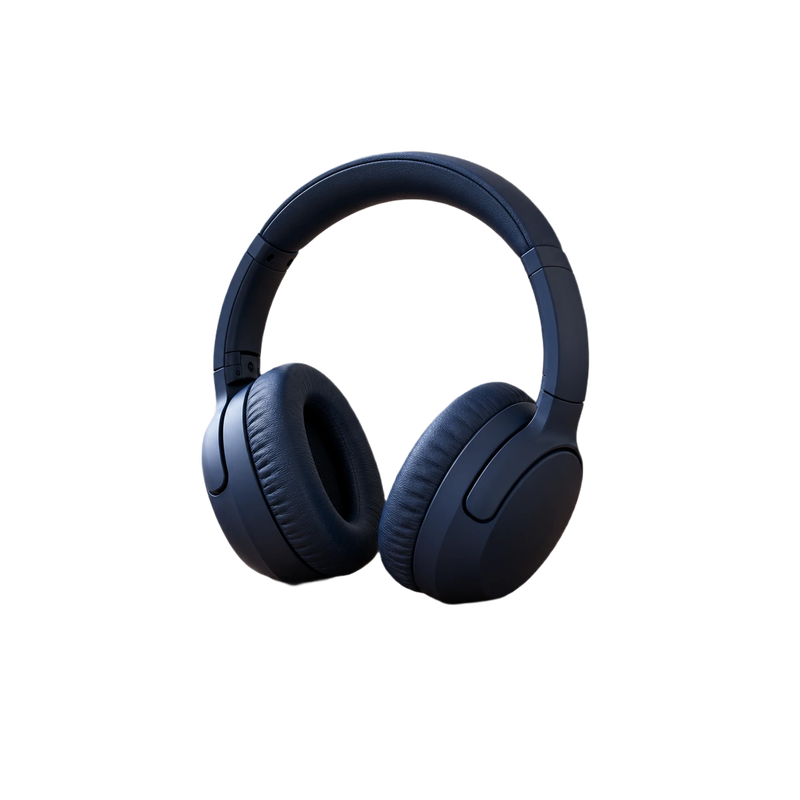
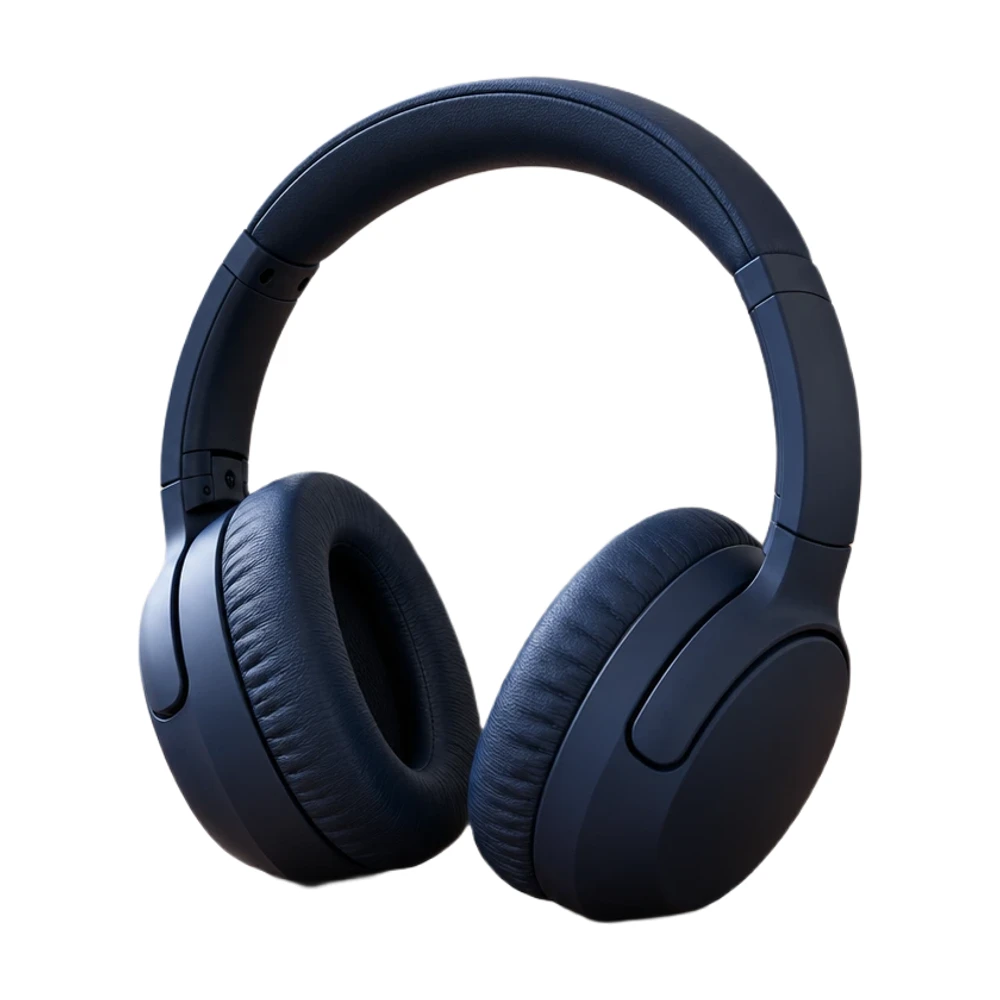
Transparent PNG inputNavy headphones with a transparent background
The cutout on whiteThe same headphone cutout placed on an opaque white canvas
The same transparent headphone cutout composed on white. Existing alpha is used directly, preserving the input silhouette without another model pass.

Example source photos were created for this tool. Results shown here were processed with the local browser engine; inspect your own result before using it.

MADE FOR THE WAY YOU WORK

Where add white to transparent png can help

↗

Prepare an already-approved product cutout

If a photographer or designer has already isolated the product, keep that work. Upload the transparent PNG and place it on white for a marketplace or document without asking the background-removal model to interpret it again.
↗

Convert a cutout into a white JPG

JPG does not store transparency. Choose white before exporting so empty pixels are filled intentionally, instead of relying on another app to decide whether the transparent area should appear black, gray or white.

↗

Add consistent space around a PNG

An existing cutout might sit very close to its file edges. Choose a square or custom canvas and adjust the subject fill to give handles, straps and packaging a clearer border in the finished image.

Need to create the cutout first? Use the transparent background maker before placing it on white.

For matching listing dimensions, use the product image resizer to set the canvas.

FROM INPUT TO DOWNLOAD

How to put your PNG on white

  1. 01

    Upload the transparent PNG

    Choose a PNG file that contains actual transparency. A screenshot of a checkerboard is still an opaque image and will need background removal. The editor detects real alpha in the uploaded file.

  2. 02

    Select a white background

    Keep the white output option selected. The input transparency determines the cutout, while the white canvas fills the empty area. No additional background-removal inference is needed for an already-transparent input.

  3. 03

    Check the shape and spacing

    Choose your output dimensions and subject fill. Check semitransparent edges, shadows and any halos left by the original cutout. Adding white cannot fix an inaccurate alpha mask on its own.

  4. 04

    Download JPG or PNG

    Choose PNG for a lossless white image, or JPG when your destination expects a photo format. Both white exports are opaque; choose the transparent option only when you want to retain empty pixels.

BEFORE YOU DOWNLOAD

A result you can check yourself

  • ✓The input contains real transparency, not a checkerboard screenshot.
  • ✓White is selected before a white-background export.
  • ✓Semitransparent edges do not have an unwanted dark or colored halo.
  • ✓The final pixel dimensions match the intended use.
Try the tool above ↑

A FEW USEFUL ANSWERS

Add white to transparent PNG FAQ

Can I add white background to PNG without removing it again?

Yes. When the PNG contains transparent pixels, the editor uses that existing alpha directly. It places the cutout on the selected canvas rather than running another background-removal inference on it.

Will a transparent PNG always look the same on white?

Its silhouette is preserved, but semitransparent pixels blend with white instead of the checkerboard or another display background. Existing edge contamination can therefore become more visible. Inspect the original cutout if you notice a halo.

Why is the checkerboard still visible after upload?

It may be part of the image pixels. A screenshot or flattened picture of a transparency grid does not contain real alpha. Use the actual exported transparent PNG, or remove that visible backdrop as an ordinary photo.

Can I download a JPG with a white background?

Yes. Select white and download JPG. JPG is always opaque in this editor; choose transparent PNG when you need a cutout for a design. A file with a .png extension can also contain an opaque white background.

Does this enlarge my small logo or product cutout?

No. The subject is not enlarged beyond its original pixel dimensions. The canvas may be reduced to keep the requested fill without inventing image detail. Check the actual export size, rather than assuming the preset size was reached.

Can I make the background transparent again?

While the transparent source is loaded, choose the transparent option and download PNG. If you only have the flattened white export later, removing its background is a new cutout task and may not reproduce the original alpha exactly.

THE NEXT PART OF YOUR WORKFLOW

Explore other tools

Choose the task you need next. Each tool opens with its own settings and examples.

Transparent product images

Make a transparent background for product photos online. Remove the backdrop, inspect edges and download a transparent PNG free, with no watermark.

Open tool ↗

Square product photos

Make an image square with white padding around the product. Keep handles and edges in frame, adjust the product fill and download a JPG or PNG free.

Open tool ↗

Resize product images

Resize product images to custom dimensions with white padding. Preview framing, keep the product proportionate and download a JPG or PNG in your browser.

Open tool ↗

Product photo white backgrounds

Make a white background for product photos online. Remove a busy backdrop, check product details and download a JPG or PNG free, without a watermark.

Open tool ↗
#FFFFFF

Plain white backgrounds

Download a plain white background in HD, 4K, phone or custom sizes. Generate a pure #FFFFFF JPG or PNG on your device, free with no upload or sign-up.

Open tool ↗

Shopify image resizer

Resize Shopify product photos with a 2048 px square preset or custom canvas. Match product spacing and backgrounds, then download files for your store.

Open tool ↗

Need the whole workflow? Read how to make a photo background white.

READY WHEN YOU ARE

Put my PNG on white

One photo, a clearer result. Free with Quick processing, with no sign-up or watermark.

Add white to my PNG — free ↑

WE'RE HERE TO HELP

Need help with
a product photo?

Questions about an edit, a plan or a download? Get in touch.

Send us a message

Tell us what you were trying to make.

support@whitebackground.app ↗Contact & support
whitebackground

A little less background.
A lot more focus on your photo.

support@whitebackground.app

MAKE SOMETHING CLEARMake background whiteProduct photo enhancerProduct photo white backgroundsBulk background removalAdd white to transparent PNGTransparent product imagesSquare product photosResize product imagesRefine product photo edgesPlain white backgroundsAmazon main image editorShopify image resizerEtsy listing photo framingeBay listing photo sizePricing
THE DETAILSAboutContactPrivacy policyTerms of serviceRefund policyDisclaimerLicenses & acknowledgments

© 2026 WhiteBackground.app

WhiteBackground.app is an independent tool and is not affiliated with Amazon, Walmart, Shopify, Etsy or eBay.