
Prepare a new collection launch
Process several related products with the same white background and canvas shape. Set the framing with a representative single photo first, then inspect items whose dimensions differ from the rest of the collection.
PRO BATCH WORKFLOW · TRY ONE PHOTO FREE
Give a whole collection a consistent white background and shared framing. Pro handles up to 100 photos per batch; you can try the same editor with one photo for free.
On your device. No sign-up. No watermark.
Background changes are free.
Presets never upscale a small original.
Photos stay on your device. First use downloads an AI model (~220 MB).
Quick processing keeps photos on your device. Background removal downloads an AI model only when needed (about 220 MB). Public URL imports depend on the image host allowing browser access.
SEE WHAT CHANGES
A bulk background remover saves repeated setup. Your source photos should still be sharp, correctly oriented and named so you can connect each downloaded result with the right SKU.
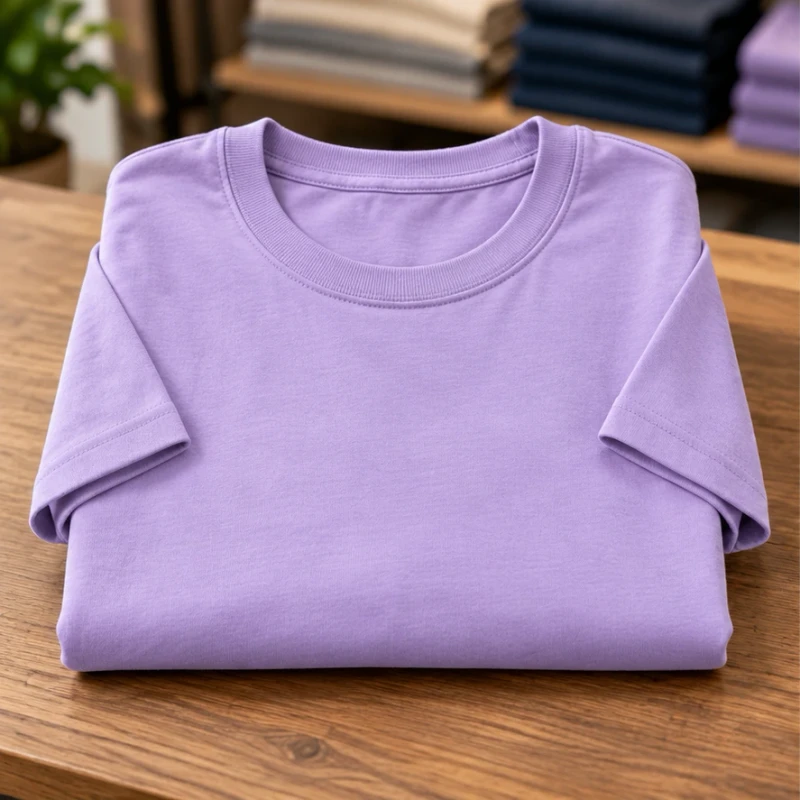
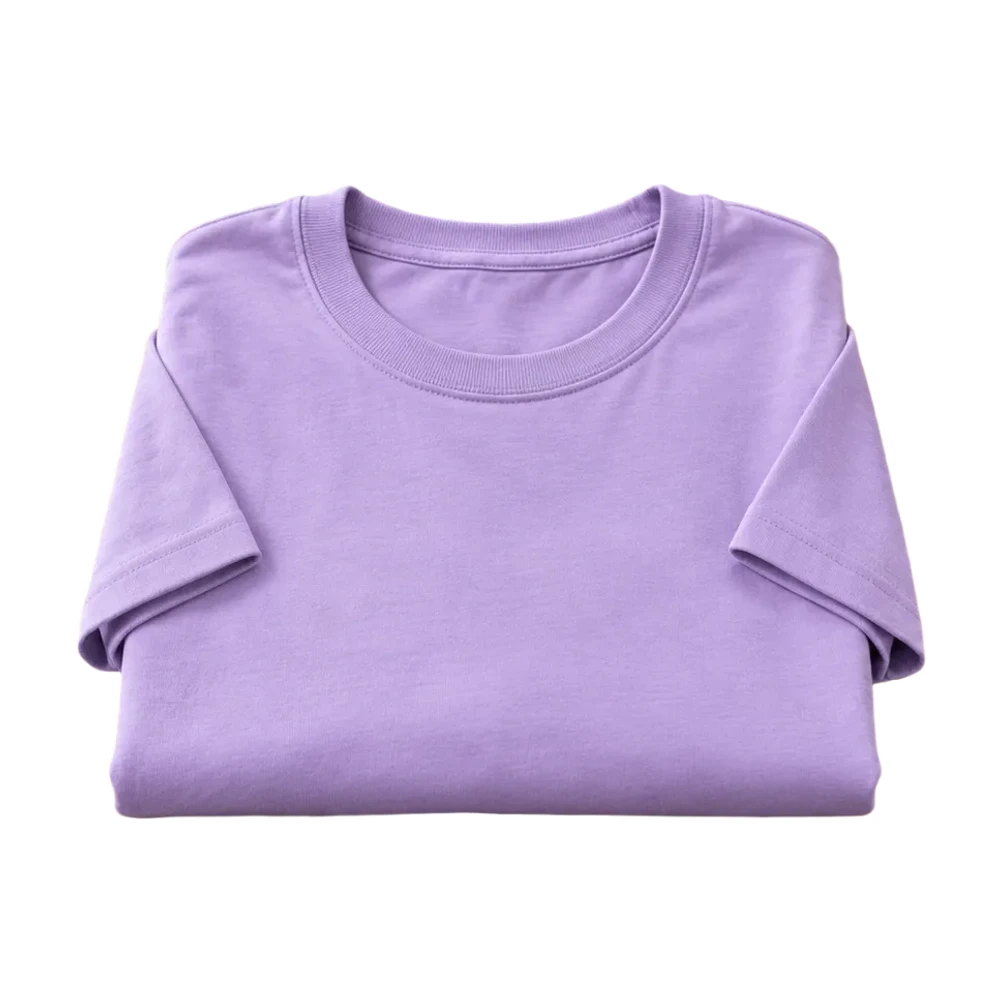
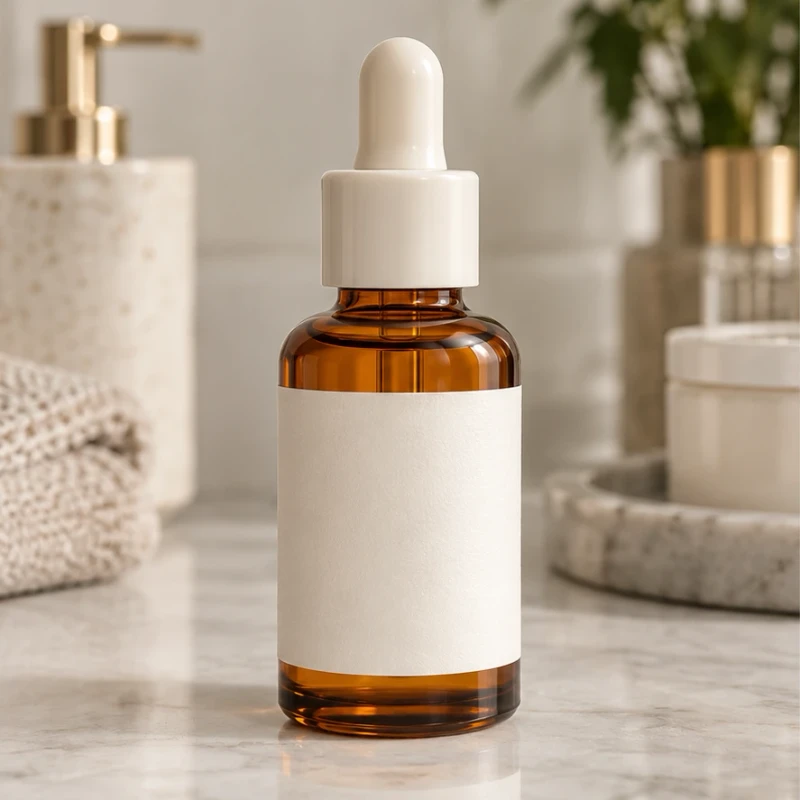
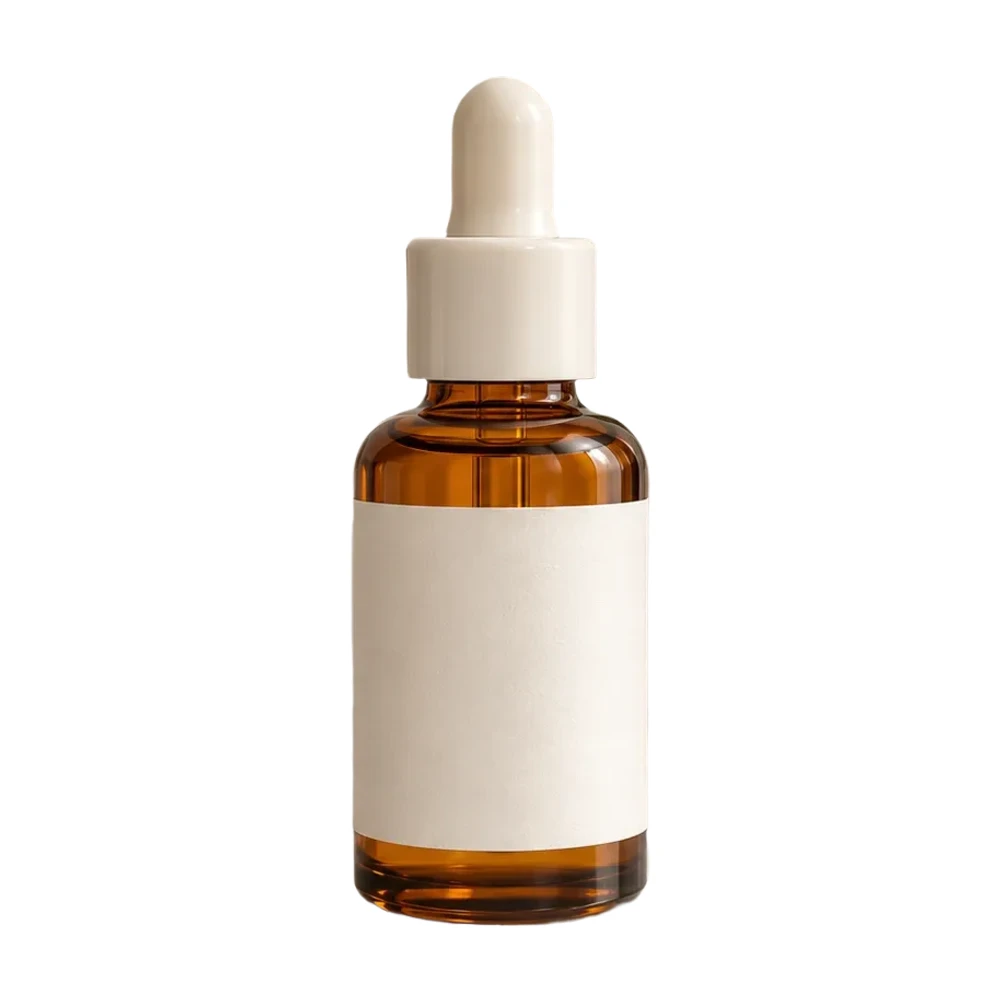
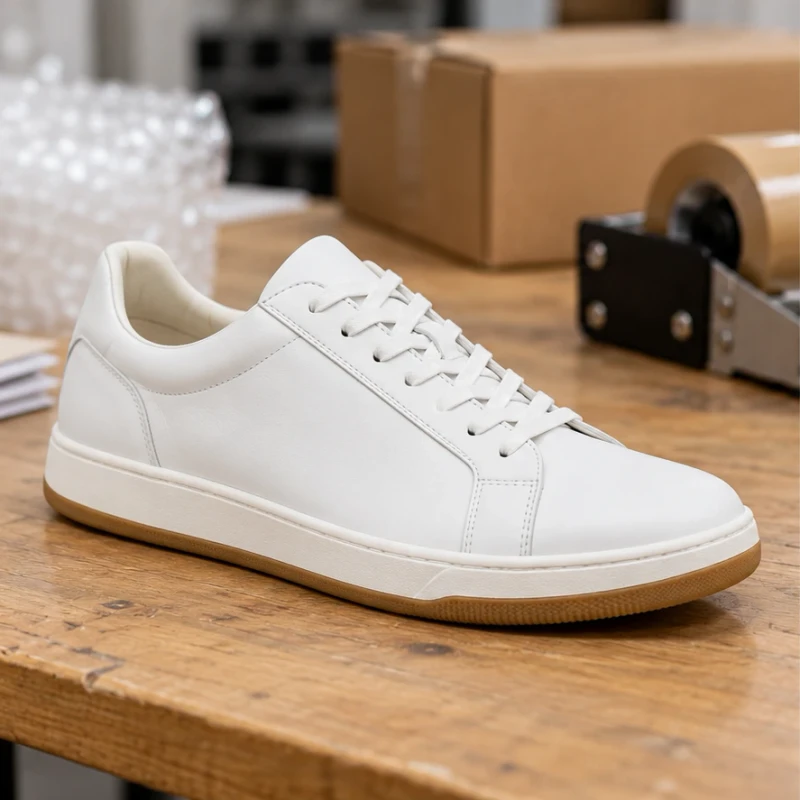
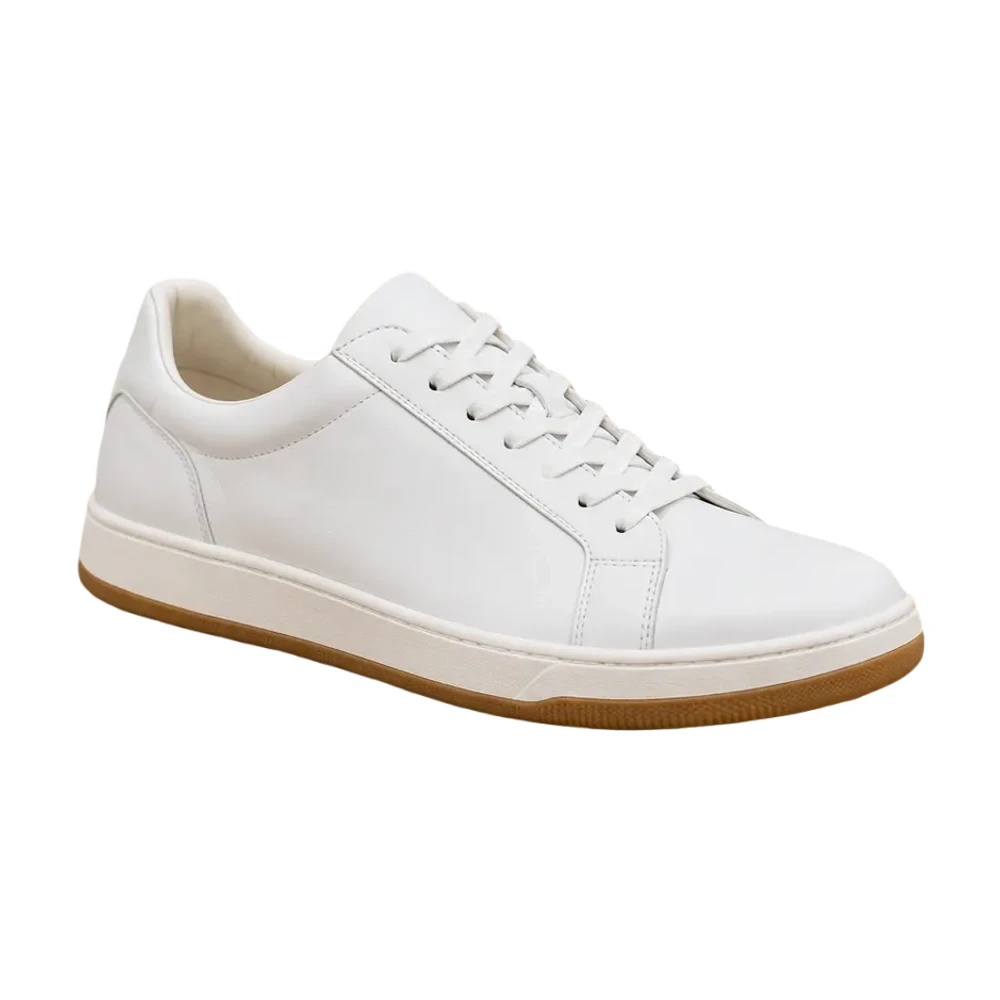
Example source photos were created for this tool. Results shown here were processed with the local browser engine; inspect your own result before using it.
MADE FOR THE WAY YOU WORK
Process several related products with the same white background and canvas shape. Set the framing with a representative single photo first, then inspect items whose dimensions differ from the rest of the collection.
A catalog assembled over time can mix background colors and product spacing. Shared output settings help bring the images together, while individual source photos still determine the visible product angle, lighting and sharpness.
Use the batch for straightforward product photos. Handle delicate jewelry, unusual shadows or partially missing details separately in the single-photo editor, where the Erase and Restore tools give you more control over a result.
Set the look with a free single product photo before processing the collection.
Give difficult items individual attention in the edge touch-up editor after reviewing the batch.
FROM INPUT TO DOWNLOAD
Upload a representative photo in Quick processing. Choose the background, canvas and subject fill you want to use across the collection, then inspect a downloaded result before selecting more files.
Batch processing requires Pro. Select up to 100 supported images, each under 20 MB. processing credits bought as a one-time pack do not unlock local batch processing or Pro export sizes.
The local queue processes your images on the device. Keep the tab open and wait for the completion message. Processing time and the amount of work a device can comfortably handle depend on its memory and browser.
Download the completed set, check filenames and review the results before uploading them to a store. Treat any reported failures as exceptions to retry; do not assume a partially completed collection contains every source image.
A FEW USEFUL ANSWERS
Single-photo local processing is free and can be tried without an account. Processing multiple photos in one local queue and downloading the set as a ZIP are Pro features. You can test the image quality and framing with one file first.
The Pro queue accepts up to 100 photos per batch. Each source must use a supported JPG, PNG, WebP or HEIC format and remain under 20 MB. Your device also needs sufficient memory to finish the work.
Local background removal runs in the browser. high-quality processing is a separate mode with authentication and purchased access or credits. Read the selected mode before submitting a collection; the free single-photo mode does not upload an image for inference.
Shared canvas dimensions and subject fill provide consistent framing rules, rather than identical real-world scale. A thin necklace and a large bag have different shapes. Review each result and adjust unusual items separately.
No. A credit pack provides high-quality processing credits. It does not grant the Pro entitlement needed for local batch processing or 4K photo exports. The editor verifies the account entitlement before accepting multiple files.
Open that image individually, inspect the cutout and use Erase or Restore. Batch settings cannot make a missing source detail appear. Keep the original file so you can retry the image or choose a better photograph.
THE NEXT PART OF YOUR WORKFLOW
Choose the task you need next. Each tool opens with its own settings and examples.
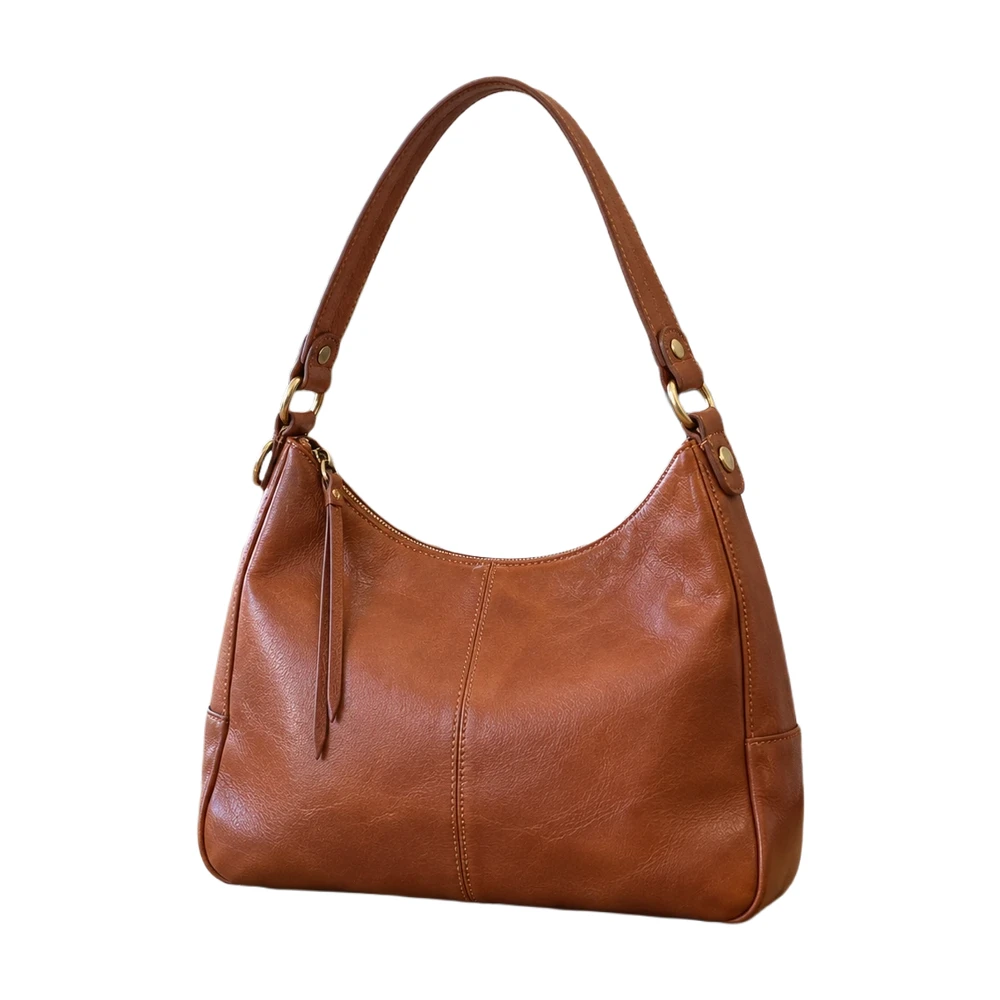
Make a white background for product photos online. Remove a busy backdrop, check product details and download a JPG or PNG free, without a watermark.
Open tool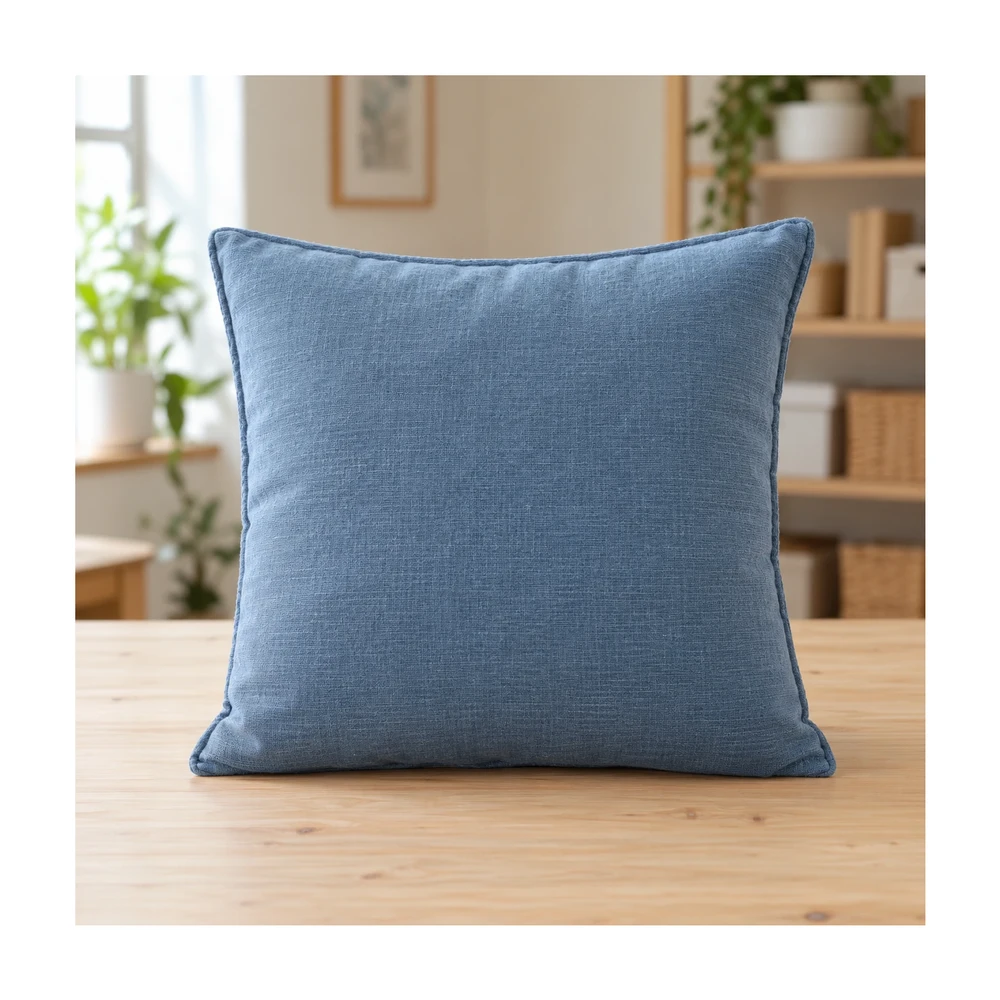
Resize Shopify product photos with a 2048 px square preset or custom canvas. Match product spacing and backgrounds, then download files for your store.
Open tool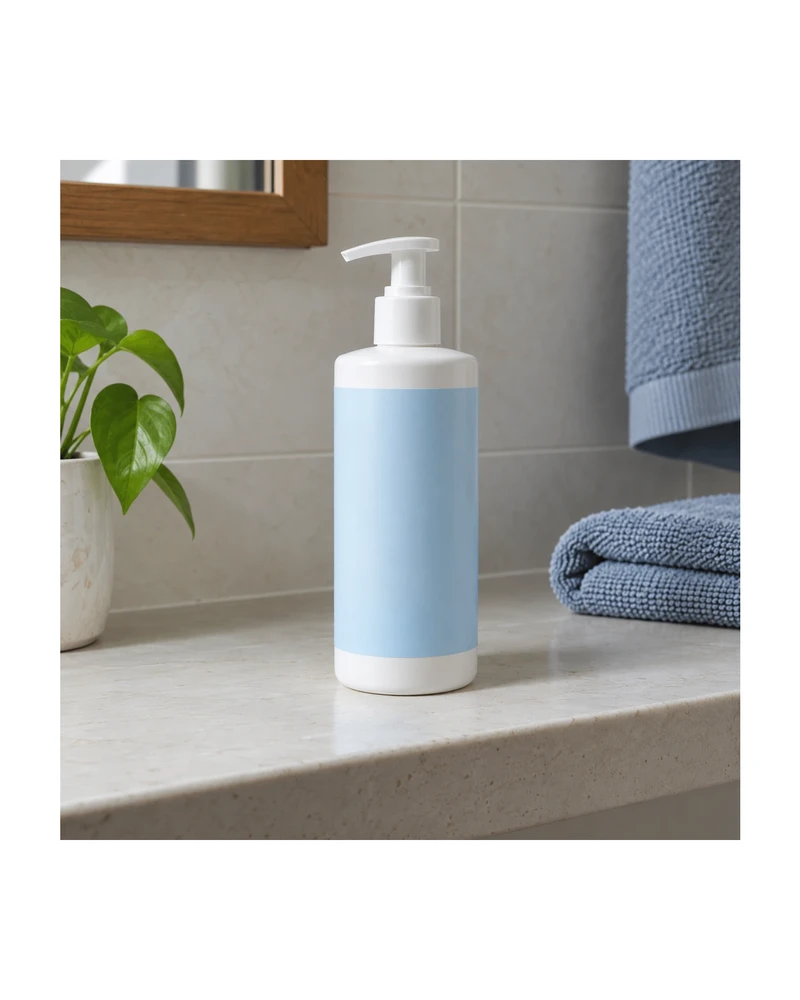
Resize product images to custom dimensions with white padding. Preview framing, keep the product proportionate and download a JPG or PNG in your browser.
Open tool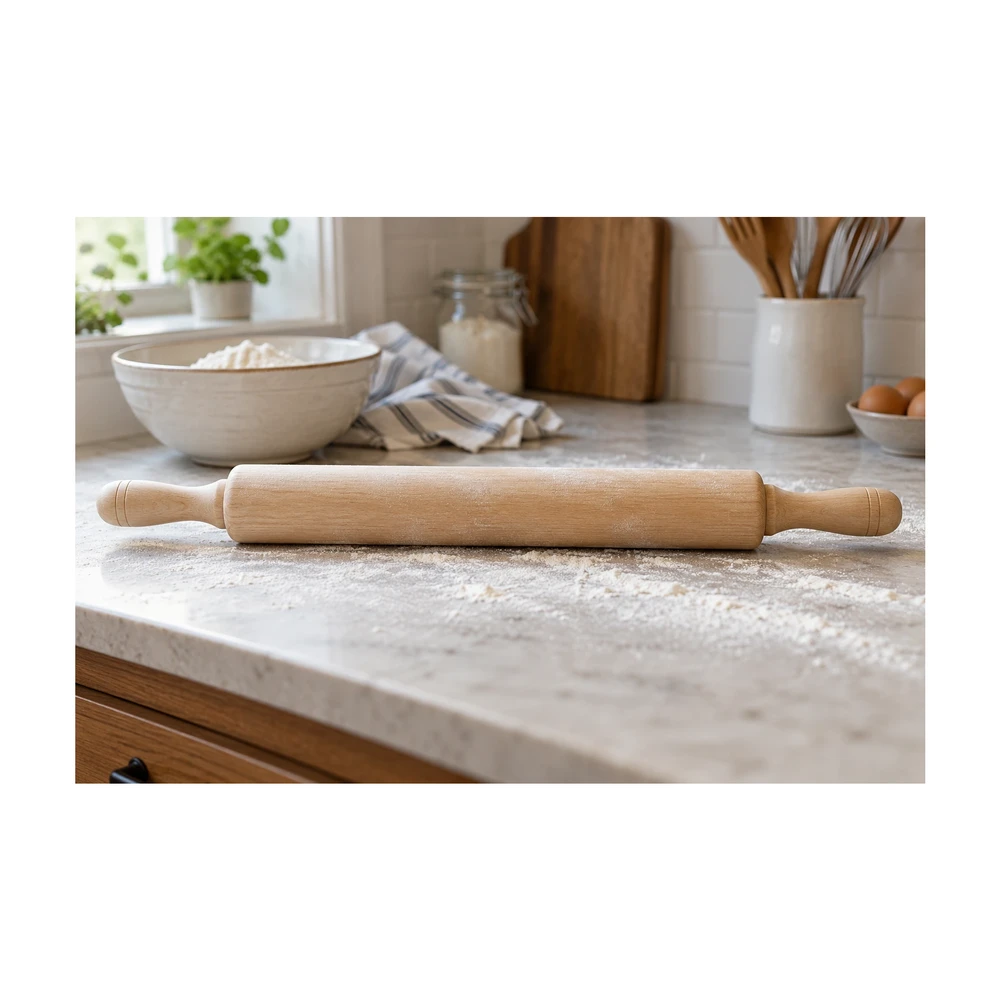
Make an image square with white padding around the product. Keep handles and edges in frame, adjust the product fill and download a JPG or PNG free.
Open tool
Use a free white background photo editor with Erase, Restore, Undo and Redo. Touch up leftover background, recover details and export a JPG or PNG.
Open tool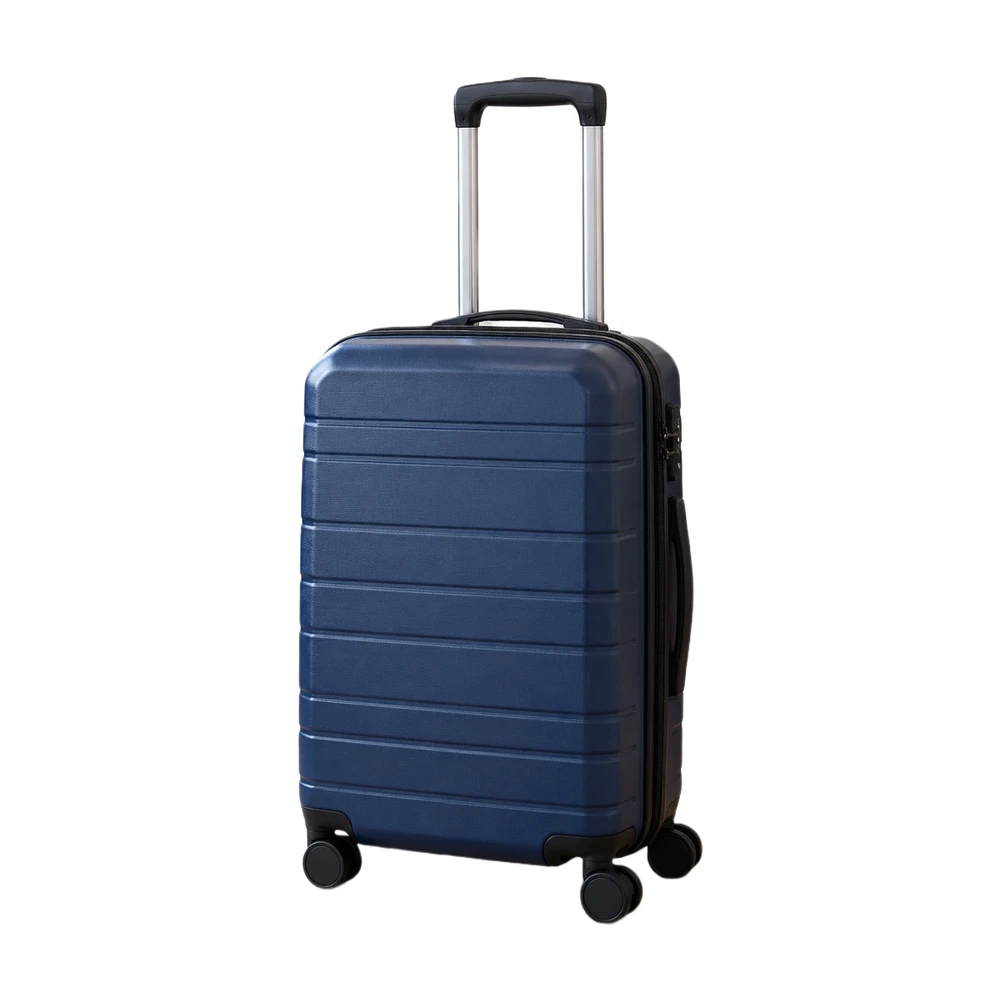
Prepare an Amazon main image with a pure white backdrop and adjustable product framing. Check output size and edges, then download a JPG or PNG.
Open toolNeed the whole workflow? Read how to make a photo background white.
START WITH ONE PHOTO
Try a single photo for free. Pro unlocks the batch queue and ZIP download.
Try one product photo free