
Keep long and narrow items complete
Rolling pins, belts and other wide products can lose their ends in a square crop. Fit the whole photo inside the canvas so the shopper can still see the complete shape and included parts.
FREE SINGLE PHOTOS · NO SIGN-UP · NO WATERMARK
Fit a long or tall product inside a square canvas. Add white space around the original photo, keep the whole item visible, and choose how much of the frame it fills.
On your device. No AI processing needed.
Your photo stays on your device. No AI model download needed.
Quick processing keeps photos on your device. Background removal downloads an AI model only when needed (about 220 MB). Public URL imports depend on the image host allowing browser access.
SEE WHAT CHANGES
Square output does not have to mean cropping the ends from a wide photo. This page starts by keeping the full original image and adding padding. You can also remove the backdrop on a new upload.
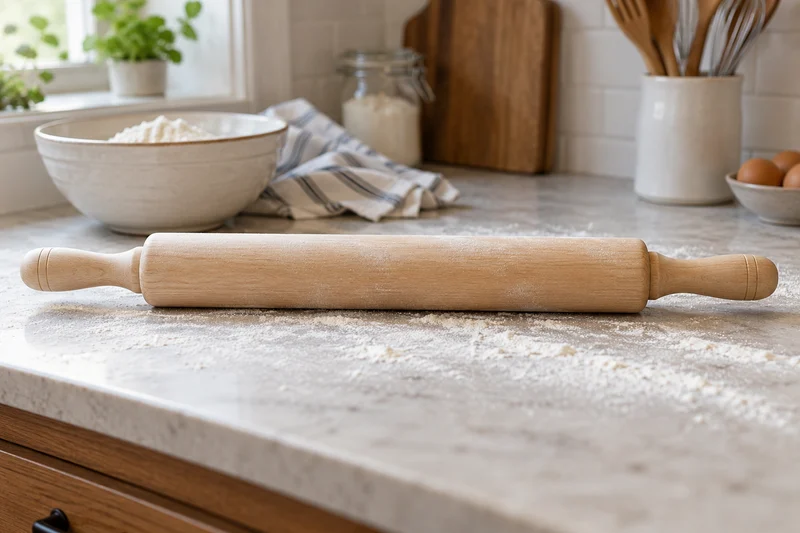
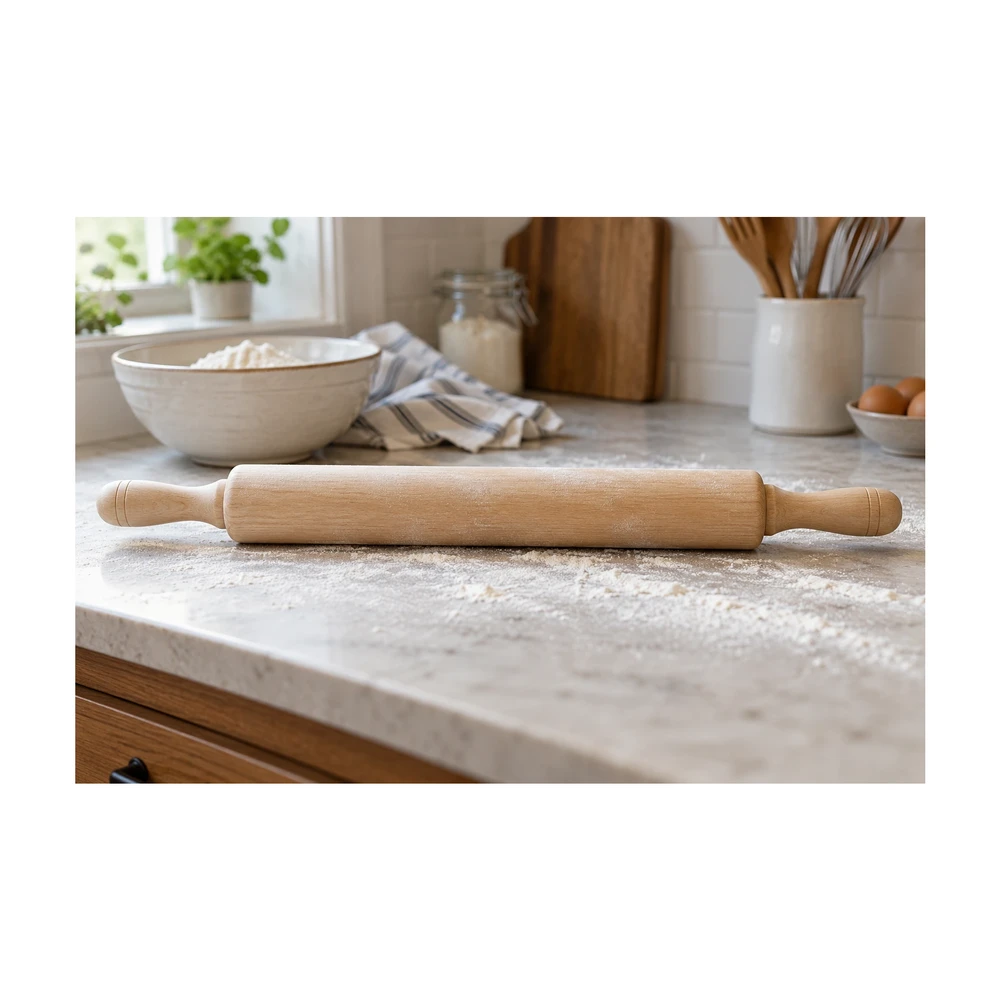
Example source photos were created for this tool. Results shown here were processed with the local browser engine; inspect your own result before using it.
MADE FOR THE WAY YOU WORK
Rolling pins, belts and other wide products can lose their ends in a square crop. Fit the whole photo inside the canvas so the shopper can still see the complete shape and included parts.
Mixed portrait and landscape photos create uneven grids. A shared square canvas provides a consistent outer shape, while padding gives each source enough room without stretching it or pretending different products share a real-world scale.
Use a square image for a product tile, presentation or listing draft, then check the destination preview. The site displaying your image may crop it again, so leave extra room around important product details.
Need a larger source first? Compare a separate 2× result with the product photo enhancer. Check labels, logos and textures before bringing the result into this editor.
Need an exact width and height? Open the product image resizer for custom dimensions.
To replace the original scene, create a white background for your product photo before framing it.
FROM INPUT TO DOWNLOAD
Leave background removal unchecked to keep the entire photo. If you want an isolated product on white instead, enable removal before the next upload. This choice affects processing, rather than cropping the source image.
Use a JPG, PNG, WebP or HEIC file up to 20 MB. The custom canvas starts at equal width and height. A square canvas changes the outer image shape while keeping the subject proportionate.
Use the subject-fill slider to choose more or less padding. It ranges from 70% to 95%. Check the top, bottom and both ends of long objects before settling on the framing.
Save a white JPG or PNG and check the reported dimensions. A small original is not enlarged. If the image will be used as a thumbnail, inspect it at a small display size as well as full size.
A FEW USEFUL ANSWERS
Yes. Keep background removal unchecked, upload the image and use equal canvas dimensions. The full source fits inside the square with white padding. It is scaled proportionately when needed, and small originals are never enlarged.
It stays when background removal is unchecked before upload. If you enable removal, the tool isolates the subject and places that cutout on the square canvas. The result then keeps the product, rather than the entire original scene.
Padding is the space that lets a rectangular source fit a square without cropping or stretching. A wide source leaves more space above and below; a tall source leaves more at the sides.
Yes. Adjust subject fill between 70% and 95%. Lower fill leaves more white space. The amount of visible padding also depends on the source aspect ratio and whether you kept the scene or isolated the product.
No. That is the starting canvas target. The tool reduces output when necessary to avoid enlarging the source beyond its resolution. The result remains square, and the actual pixel dimensions are displayed before download.
Yes, for a transparent input or isolated subject. Select transparent output and download PNG. When you keep an opaque original scene, that scene remains opaque; only any surrounding empty canvas can be transparent.
THE NEXT PART OF YOUR WORKFLOW
Choose the task you need next. Each tool opens with its own settings and examples.
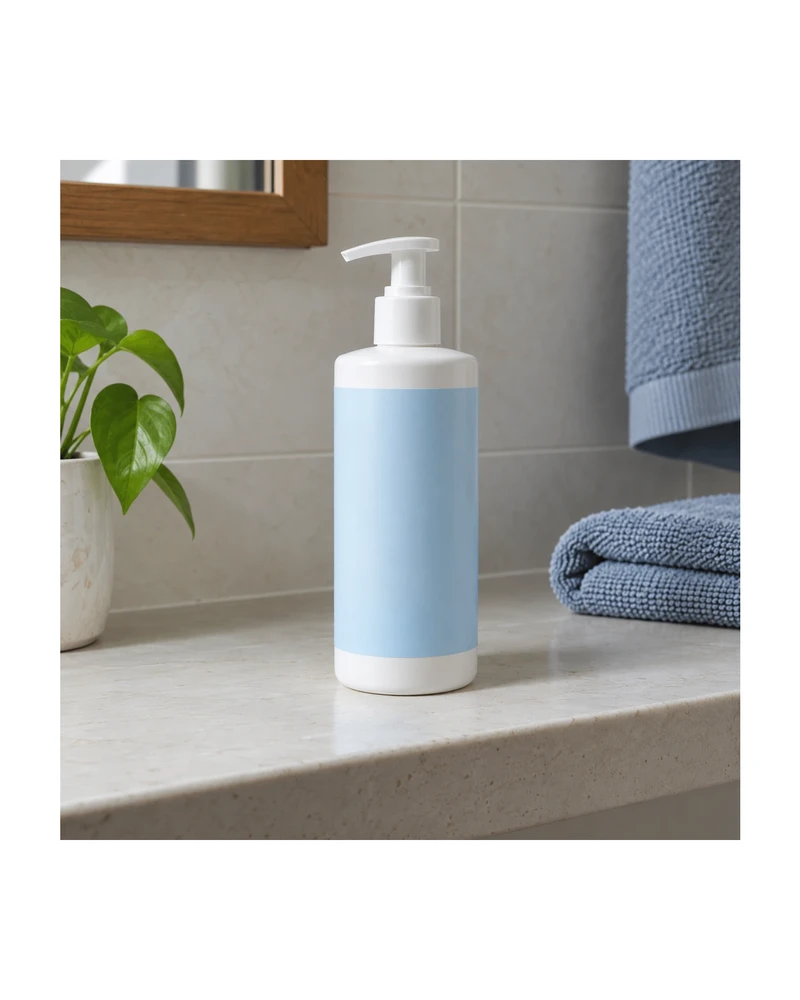
Resize product images to custom dimensions with white padding. Preview framing, keep the product proportionate and download a JPG or PNG in your browser.
Open tool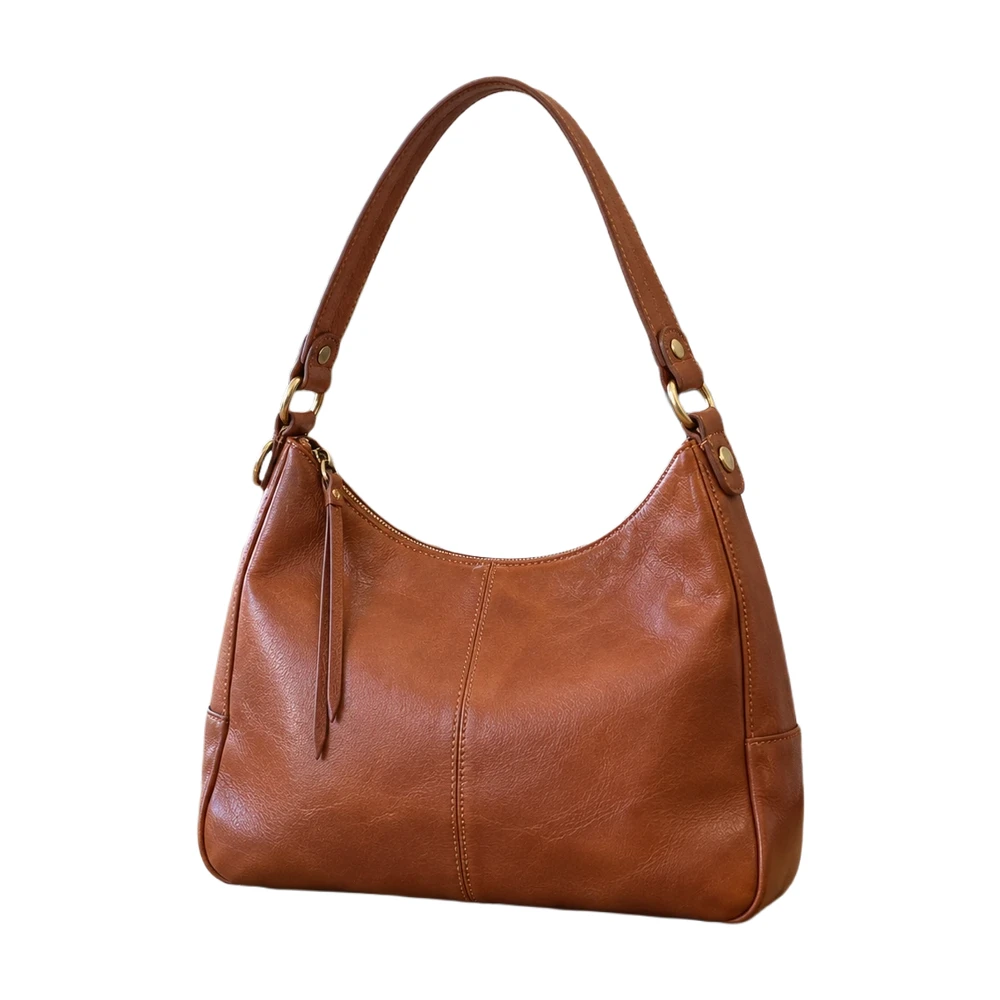
Make a white background for product photos online. Remove a busy backdrop, check product details and download a JPG or PNG free, without a watermark.
Open tool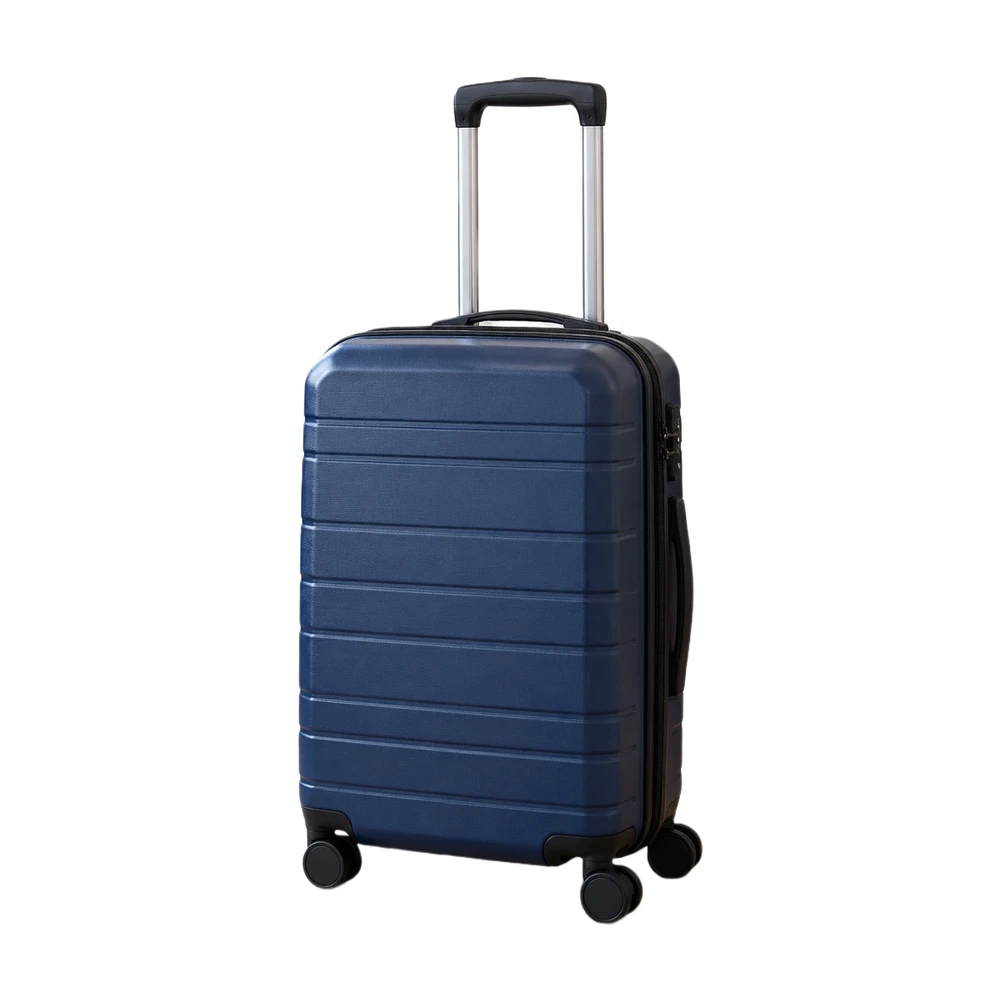
Prepare an Amazon main image with a pure white backdrop and adjustable product framing. Check output size and edges, then download a JPG or PNG.
Open tool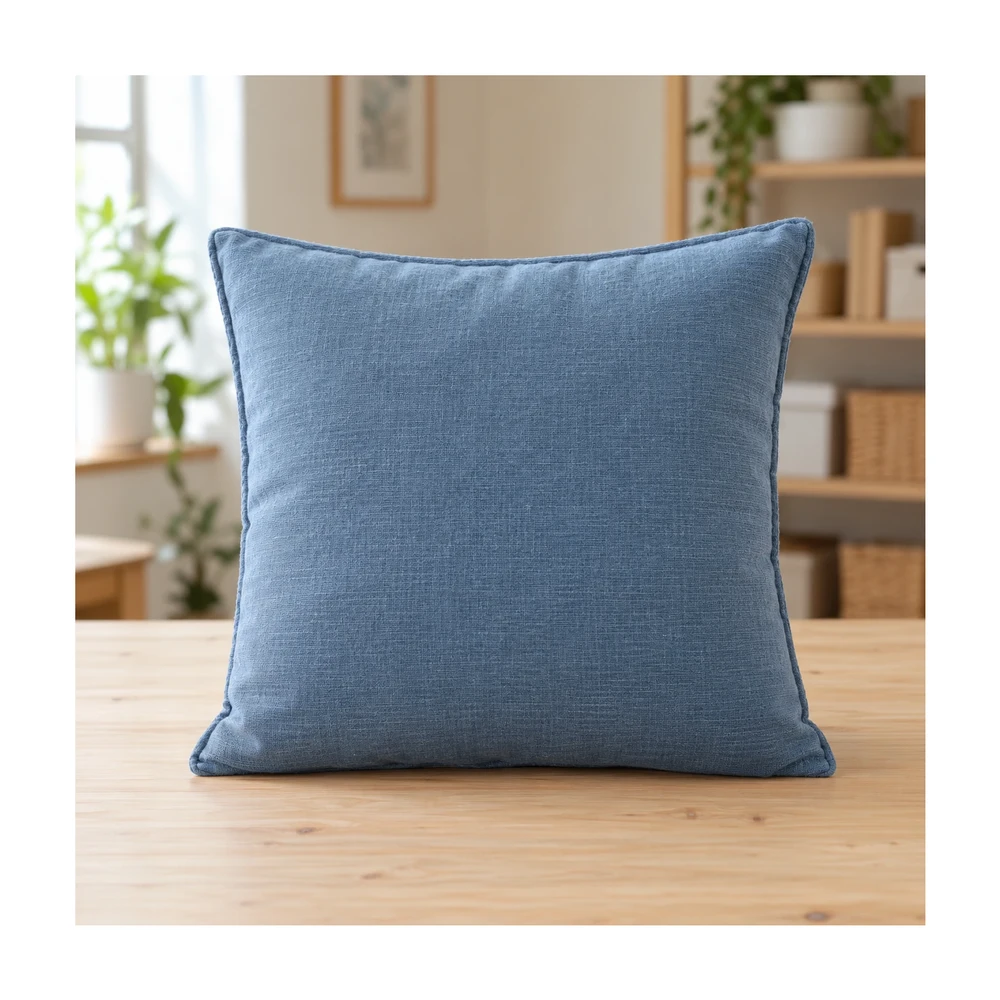
Resize Shopify product photos with a 2048 px square preset or custom canvas. Match product spacing and backgrounds, then download files for your store.
Open tool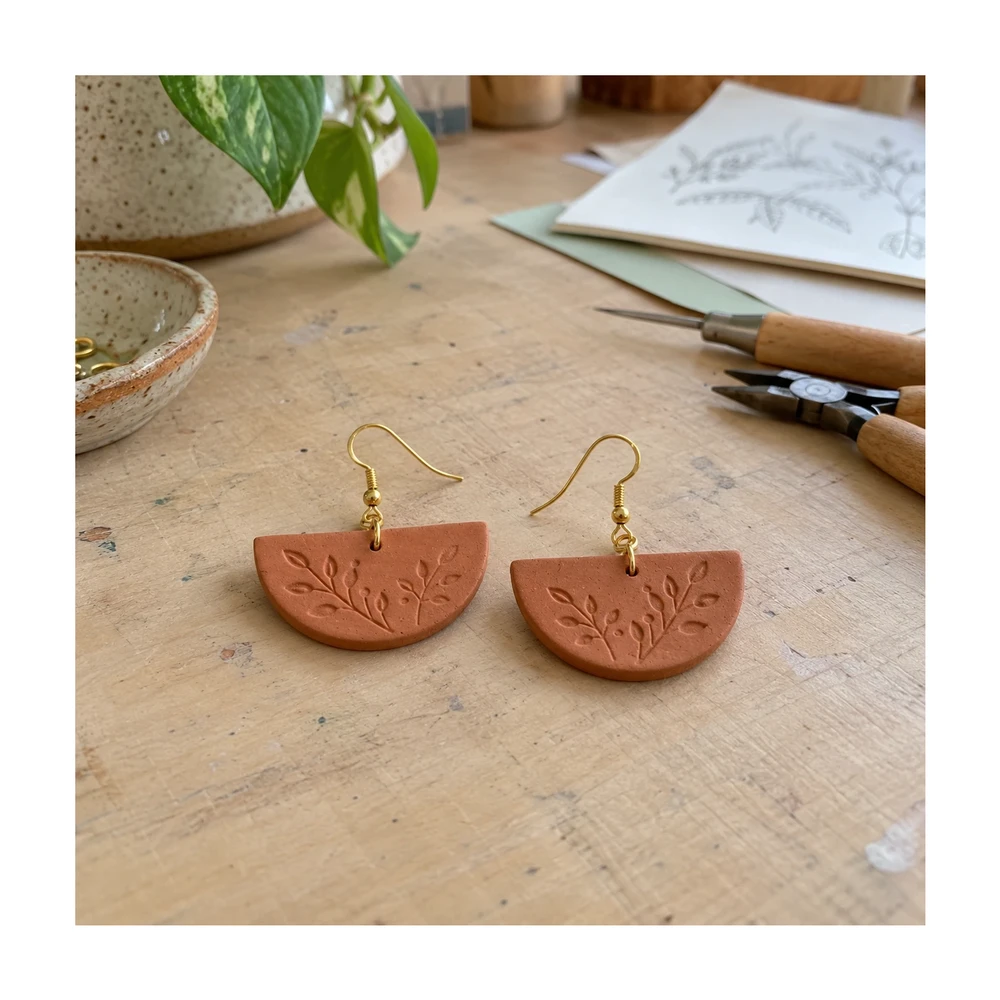
Prepare Etsy listing photo size and framing in your browser. Keep handmade details visible, adjust white space and check actual export dimensions.
Open tool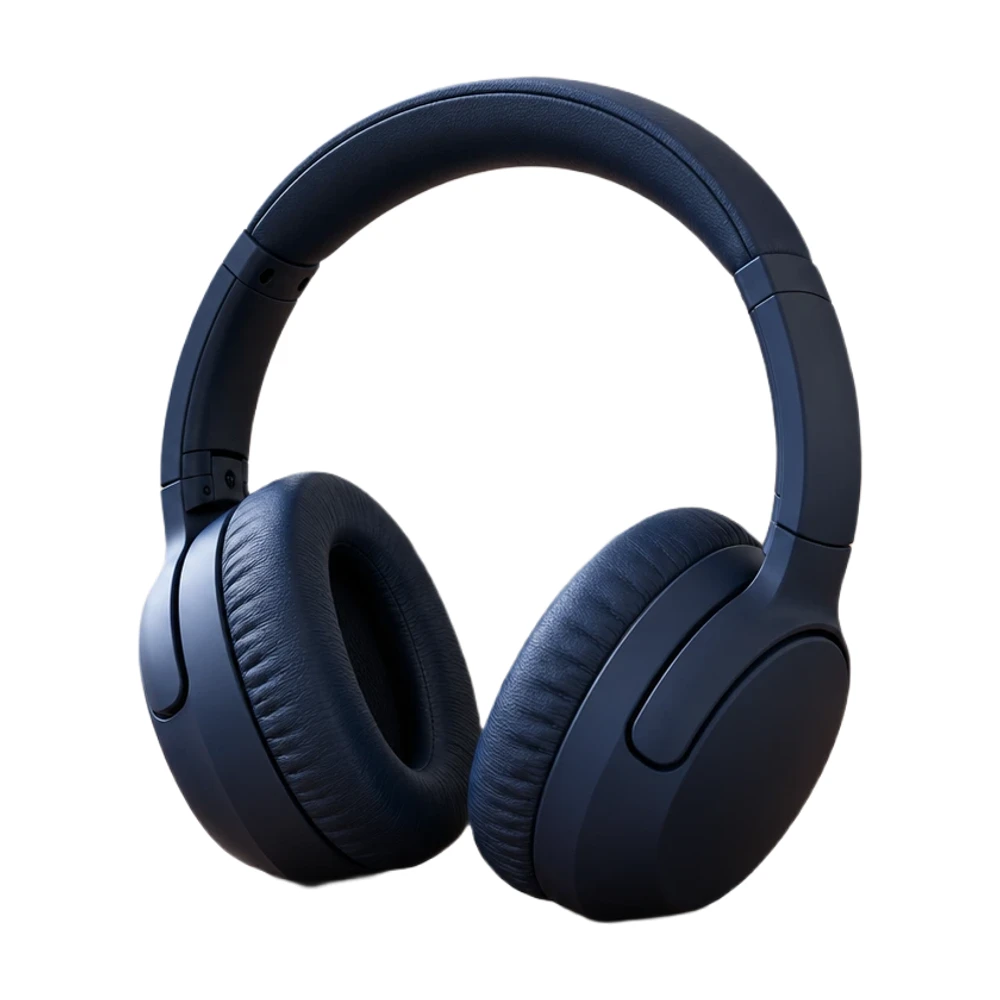
Add a white background to a transparent PNG in your browser. Keep its existing cutout, choose the framing and download a white JPG or PNG for free.
Open toolNeed the whole workflow? Read how to make a photo background white.
READY WHEN YOU ARE
One photo, a clearer result. Free with Quick processing, with no sign-up or watermark.
Make my photo square — free