Skip to content
whitebackground
Editor
Tools ⌄
Product photo white backgroundsBulk background removalAdd white to transparent PNGTransparent product imagesSquare product photosResize product imagesRefine product photo edgesPlain white backgroundsAmazon main image editorShopify image resizerEtsy listing photo framingeBay listing photo sizeProduct photo enhancerPricing & plansQuestions & answersHow it worksSign in
How it worksFeaturesPricingFAQ
Sign inStart free
Home/Product photo white backgrounds

FREE SINGLE PHOTOS · NO SIGN-UP · NO WATERMARK

White Background for Product Photos

Turn a photo from your phone, packing table or supplier into a clear product image. Remove the backdrop, check the details, and download on pure white for free.

On your device. No sign-up. No watermark.

Upload filesor paste
No photo handy?
Try a sample — always free.

Photos stay on your device. First use downloads an AI model (~220 MB).

Quick processing keeps photos on your device. Background removal downloads an AI model only when needed (about 220 MB). Public URL imports depend on the image host allowing browser access.

SEE WHAT CHANGES

From the packing table to a clearer product image

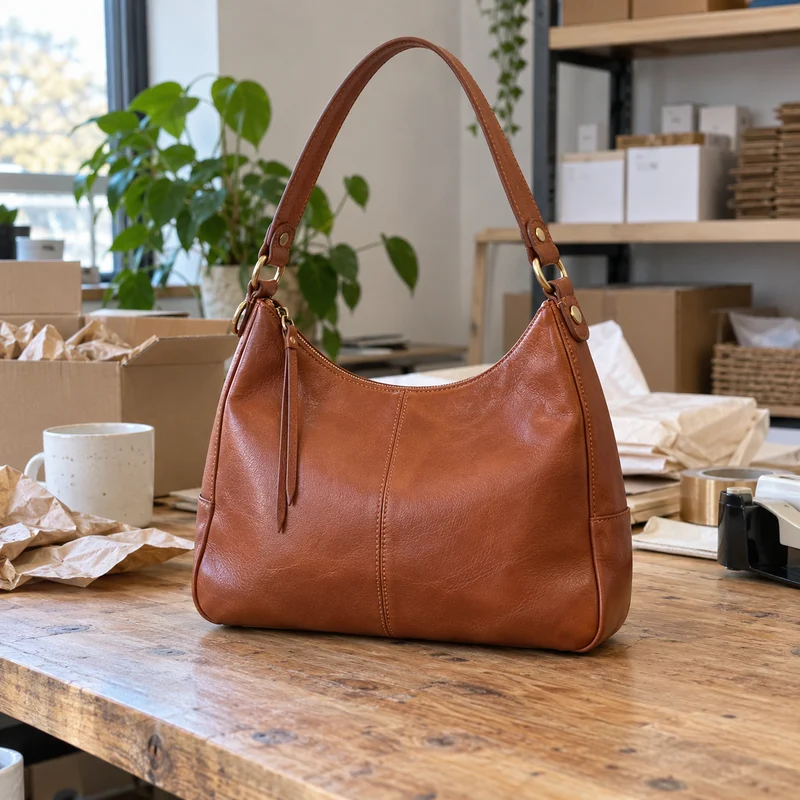
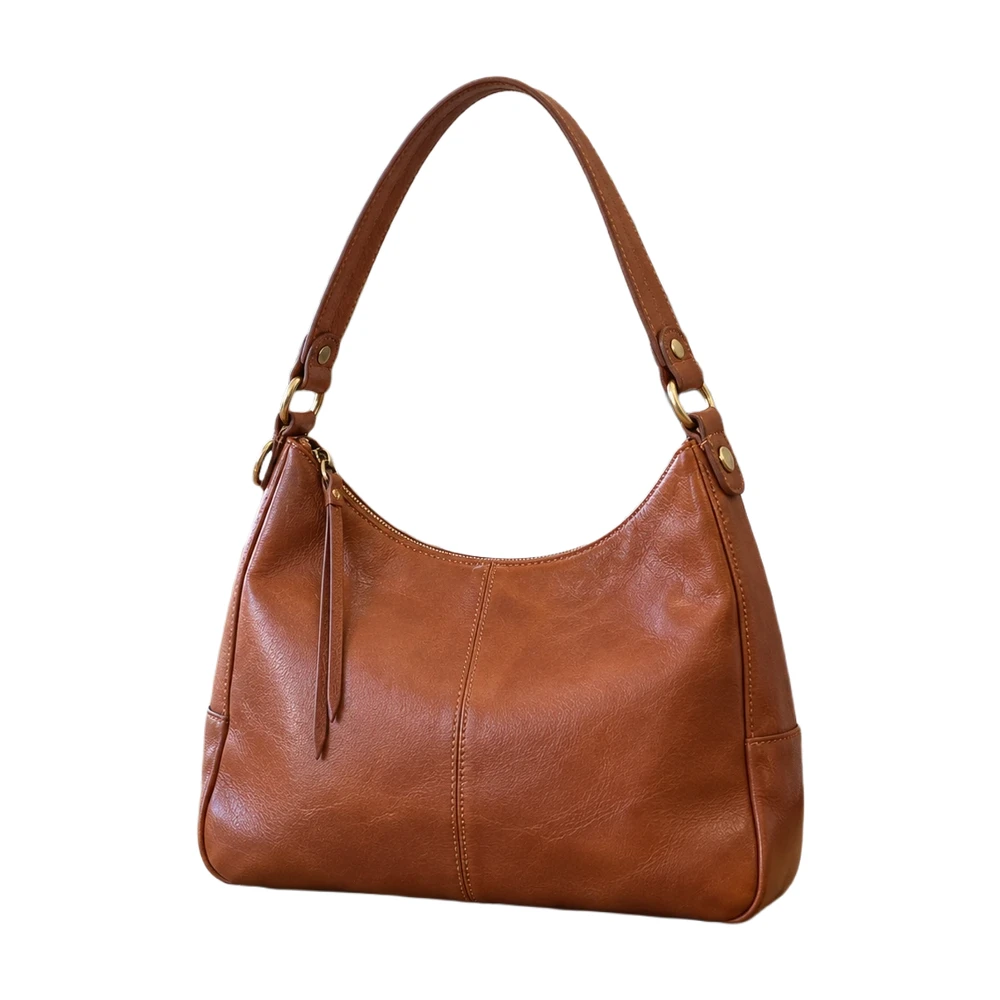
A useful product photo starts with a sharp, complete view of the item. Background removal can simplify the setting; it cannot reveal a strap that was outside the original frame.

Original packing-table photoBrown leather shoulder bag photographed on a packing table
Product on pure whiteThe same leather bag isolated on white, including the open handle
A leather bag processed with the browser editor. Compare the handle opening and outer silhouette with the original before using the result in a listing.

Example source photos were created for this tool. Results shown here were processed with the local browser engine; inspect your own result before using it.

MADE FOR THE WAY YOU WORK

Where product photo white backgrounds can help

↗

Photograph new stock where you work

Use the clear product photo you already took at your desk or packing station. A white backdrop can remove visual clutter from the listing, while the original still determines lighting, sharpness and visible product details.
↗

Make a collection easier to browse

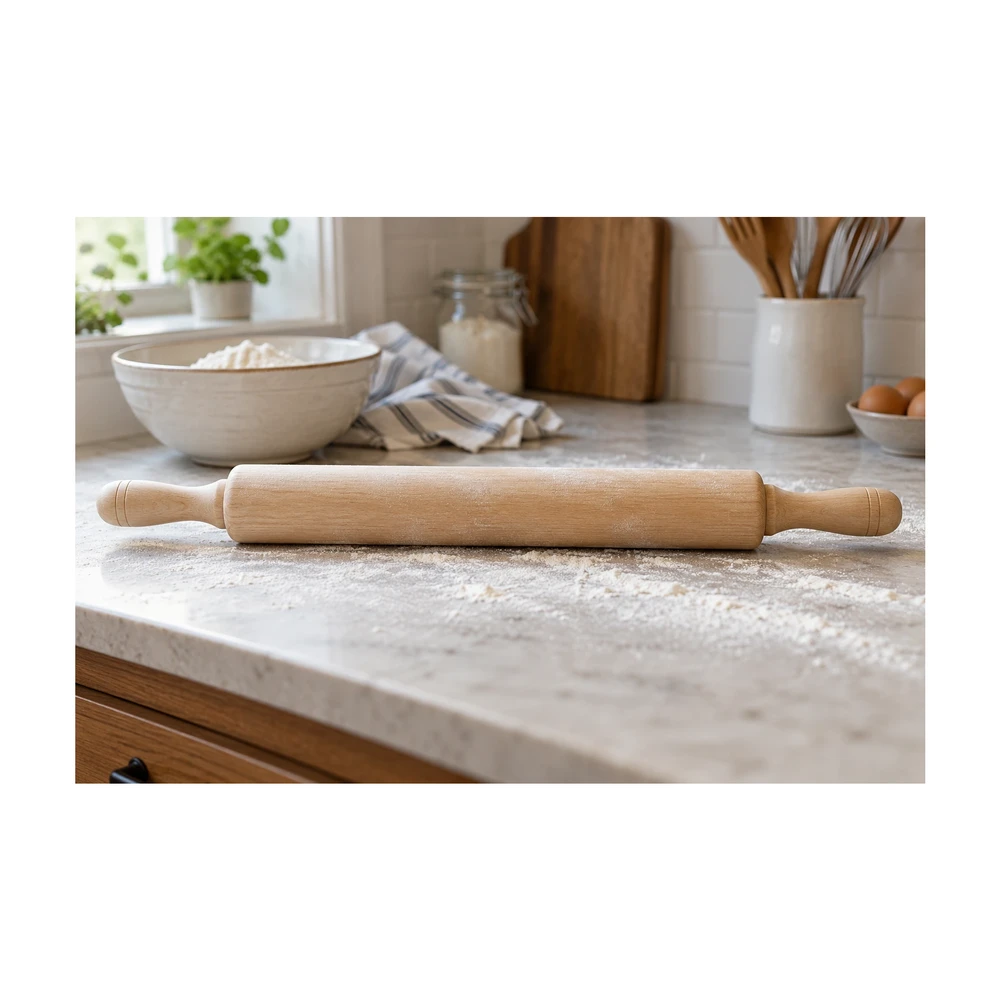
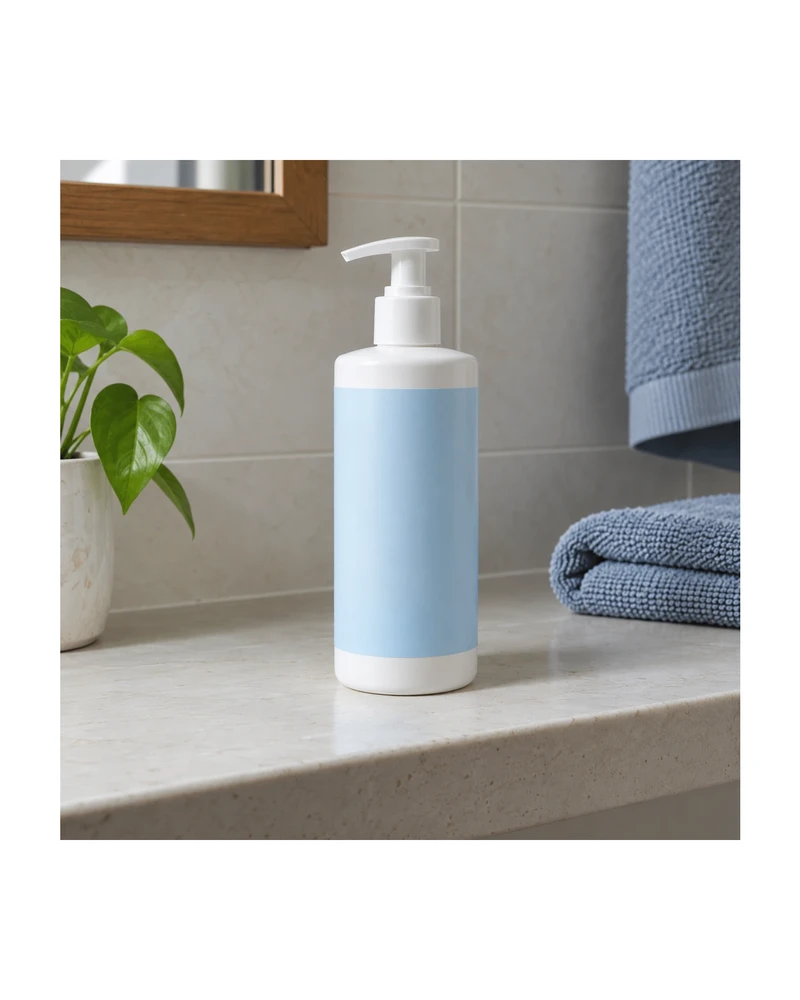
Keep the background, canvas shape and amount of white space similar across related products. Shoppers can compare the products more easily when one item is not much larger in its frame than the next.

↗

Reuse a supplier image you are allowed to edit

Start with the largest authorized source file, then inspect labels, handles and accessories after processing. Background removal does not grant rights to a supplier photograph or correct inaccurate product information.

Need a larger source first? Compare a separate 2× result with the product photo enhancer. Check labels, logos and textures before bringing the result into this editor.

Check small handles or leftover background with the edge touch-up editor before preparing your listing.

Once one photo looks right, use bulk background removal for the rest of your collection.

FROM INPUT TO DOWNLOAD

How to make your product photo white

  1. 01

    Choose a clear product photo

    Upload a JPG, PNG, WebP or HEIC file up to 20 MB, paste an image from your clipboard, or open a public image URL. Keep every part of the product inside the original frame.

  2. 02

    Remove the backdrop locally

    Quick processing runs the model on your device. The first opaque photo downloads the model; later photos can reuse its cache. Review the cutout instead of assuming every fine detail was retained.

  3. 03

    Set the white canvas and spacing

    Choose white, then use a preset or enter custom dimensions. Subject fill starts at 85% and can be adjusted from 70% to 95%. Check that handles and edges have enough room.

  4. 04

    Inspect and download

    Use Erase or Restore for corrections, then check the export size. Download a white JPG or PNG without a watermark. Free photo exports have a maximum edge of 2200 px and never enlarge a small original.

BEFORE YOU DOWNLOAD

A result you can check yourself

  • ✓The entire item and included accessories are visible.
  • ✓The result agrees with the original color and condition.
  • ✓Fine edges are inspected against a contrasting background.
  • ✓Actual exported dimensions are sufficient for the intended listing.
Try the tool above ↑

A FEW USEFUL ANSWERS

Product photo white backgrounds FAQ

Is a white background for product photos free?

Yes. Single-photo editing on your device, the touch-up brush and JPG or PNG downloads up to a 2200 px maximum edge are free. There is no account requirement, usage meter or watermark for local single photos.

Do I need a white wall or a photography studio?

No. You can remove an existing backdrop. Good source lighting and a sharp product outline still matter: the editor replaces the background, rather than reshooting the product or fixing an out-of-focus image.

Is the downloaded background really white?

White output is composed on #FFFFFF, or RGB 255, 255, 255. Semitransparent subject edges can contain blended colors, so inspect hair, fabric fibers and reflective materials, and remove leftover background where needed.

Can I clean up a stand or unwanted shadow?

If it remains in the cutout, select Erase and brush over it. Restore brings original pixels back; Undo and Redo let you revise a stroke. Removing a stand cannot reconstruct a product part that it covered.

Will this improve the product resolution?

No. Your subject is never enlarged beyond its source resolution. A small source can produce a smaller export than the selected preset. Use the largest sharp original you have and read the actual dimensions shown by the editor.

Can I apply the same settings to a whole catalog?

Pro supports a local batch queue of up to 100 photos with a ZIP download. Test one representative image for free, choose your framing, and inspect exceptions such as long straps or unusually tall packaging before preparing the full collection.

THE NEXT PART OF YOUR WORKFLOW

Explore other tools

Choose the task you need next. Each tool opens with its own settings and examples.

Square product photos

Make an image square with white padding around the product. Keep handles and edges in frame, adjust the product fill and download a JPG or PNG free.

Open tool ↗

Resize product images

Resize product images to custom dimensions with white padding. Preview framing, keep the product proportionate and download a JPG or PNG in your browser.

Open tool ↗

Amazon main image editor

Prepare an Amazon main image with a pure white backdrop and adjustable product framing. Check output size and edges, then download a JPG or PNG.

Open tool ↗

Transparent product images

Make a transparent background for product photos online. Remove the backdrop, inspect edges and download a transparent PNG free, with no watermark.

Open tool ↗

Bulk background removal

Remove backgrounds from up to 100 product photos with Pro. Apply shared framing, review each result and download a ZIP. Try a single photo free.

Open tool ↗

Refine product photo edges

Use a free white background photo editor with Erase, Restore, Undo and Redo. Touch up leftover background, recover details and export a JPG or PNG.

Open tool ↗

Need the whole workflow? Read how to make a photo background white.

READY WHEN YOU ARE

Make my product photo white

One photo, a clearer result. Free with Quick processing, with no sign-up or watermark.

Make my product photo white — free ↑

WE'RE HERE TO HELP

Need help with
a product photo?

Questions about an edit, a plan or a download? Get in touch.

Send us a message

Tell us what you were trying to make.

support@whitebackground.app ↗Contact & support
whitebackground

A little less background.
A lot more focus on your photo.

support@whitebackground.app

MAKE SOMETHING CLEARMake background whiteProduct photo enhancerProduct photo white backgroundsBulk background removalAdd white to transparent PNGTransparent product imagesSquare product photosResize product imagesRefine product photo edgesPlain white backgroundsAmazon main image editorShopify image resizerEtsy listing photo framingeBay listing photo sizePricing
THE DETAILSAboutContactPrivacy policyTerms of serviceRefund policyDisclaimerLicenses & acknowledgments

© 2026 WhiteBackground.app

WhiteBackground.app is an independent tool and is not affiliated with Amazon, Walmart, Shopify, Etsy or eBay.