



Start a slide or digital presentation
Use a 16:9 white image as a clean base for a presentation, screen or composition. The image contains no template elements, logos or decorative marks, so you can add your own content in the app you use.
FREE DOWNLOAD · NO UPLOAD NEEDED
Download a blank, solid-white image for a slide, product mockup or digital canvas. Choose a preset or enter dimensions. No photo, background removal or account is needed.
1920 × 1080 px · Pure white
Solid #FFFFFF. Generated on your device, with no upload or sign-up. Up to 8192 px per side and 32 million pixels in total.
Solid RGB 255, 255, 255. The file is created in your browser.
PICK YOUR CANVAS
A plain white background is a blank image, rather than a photograph with its subject removed. Choose the outer dimensions that your slide, screen, mockup or layout needs.
MADE FOR THE WAY YOU WORK
Use a 16:9 white image as a clean base for a presentation, screen or composition. The image contains no template elements, logos or decorative marks, so you can add your own content in the app you use.
A square or custom-size white canvas gives you a simple surface for an existing cutout, annotations or packaging artwork. If you want the tool to place a transparent PNG on white for you, use the PNG-to-white editor.
Choose a phone-shaped canvas for a digital layout, or calculate pixels for your intended print size. A pixel dimension alone does not determine a physical print size; the printing workflow also decides the resolution and scaling.
To put an existing cutout on this color, add white to a transparent PNG instead of downloading a blank canvas.
For a photo with a busy scene, create a white product photo background with local removal.
FROM INPUT TO DOWNLOAD
Select Full HD, Quad HD, 4K, Phone, Square, Product or A4. These presets provide pixel dimensions rather than a guarantee that every destination will use the same aspect ratio or print settings.
Use whole-number width and height values from 1 to 8192 pixels, with no more than 32 million pixels in total. Smaller dimensions usually create lighter files and are easier for a mobile browser to handle.
PNG stores the white canvas losslessly and is useful for design work. JPG is an opaque photo format supported by many apps. Both options here create a solid white image, rather than a transparent canvas.
The file is created on your device without an upload or account. Open it in the app or document where you need it. Confirm its pixel dimensions if a destination has strict size requirements.
A FEW USEFUL ANSWERS
Yes. Generate and download blank white JPG or PNG files for free, including the listed 4K preset. No account or attribution is required. Blank-canvas generation has different limits from editing a product photograph.
It is solid #FFFFFF, also written as RGB 255, 255, 255. It is not ivory, light gray or transparency. Your screen and print settings can affect how that color appears when displayed or printed.
Yes. Choose the 3840 × 2160 preset and download PNG or JPG. This is a blank image created from a color value, so it does not require upscaling a photograph or a Pro photo-export entitlement.
Each side must be a whole number from 1 to 8192 pixels, and width multiplied by height must not exceed 32 million pixels. If a browser struggles to export a large canvas, reduce the dimensions and try again.
Yes. These solid-white images can be used in personal and commercial projects without attribution. You remain responsible for rights to any photographs, logos or other content you later place on the canvas.
This generator creates a blank image and needs no upload. Use Add White Background to PNG for an existing transparent cutout, or the product-photo tool to remove an existing backdrop and compose the product on white.
THE NEXT PART OF YOUR WORKFLOW
Choose the task you need next. Each tool opens with its own settings and examples.
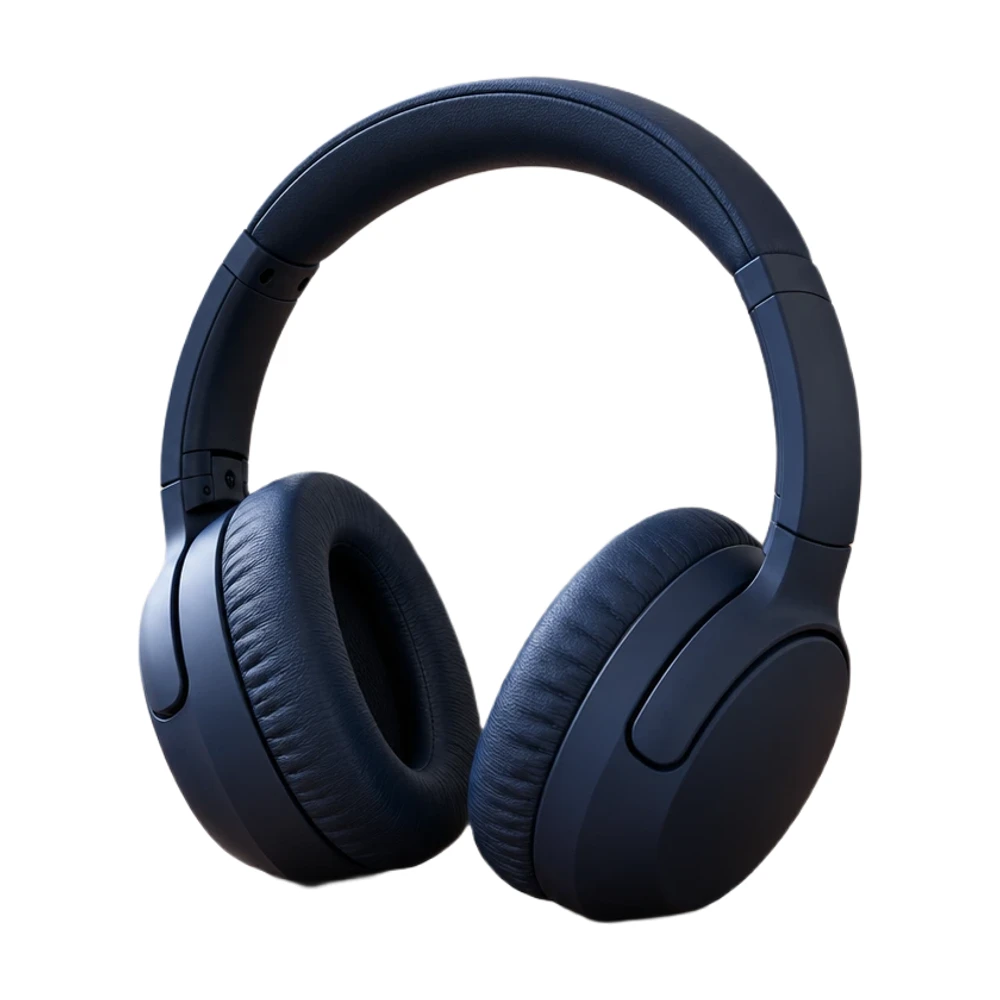
Add a white background to a transparent PNG in your browser. Keep its existing cutout, choose the framing and download a white JPG or PNG for free.
Open tool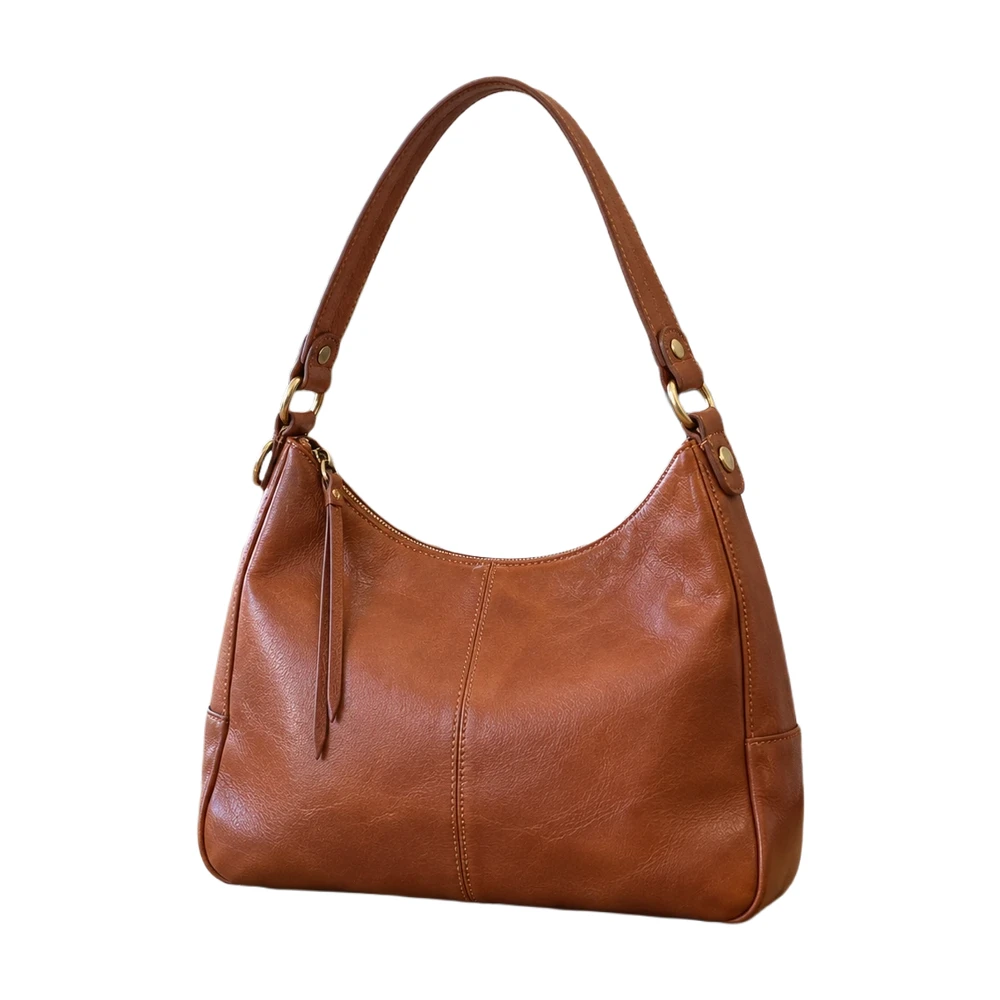
Make a white background for product photos online. Remove a busy backdrop, check product details and download a JPG or PNG free, without a watermark.
Open tool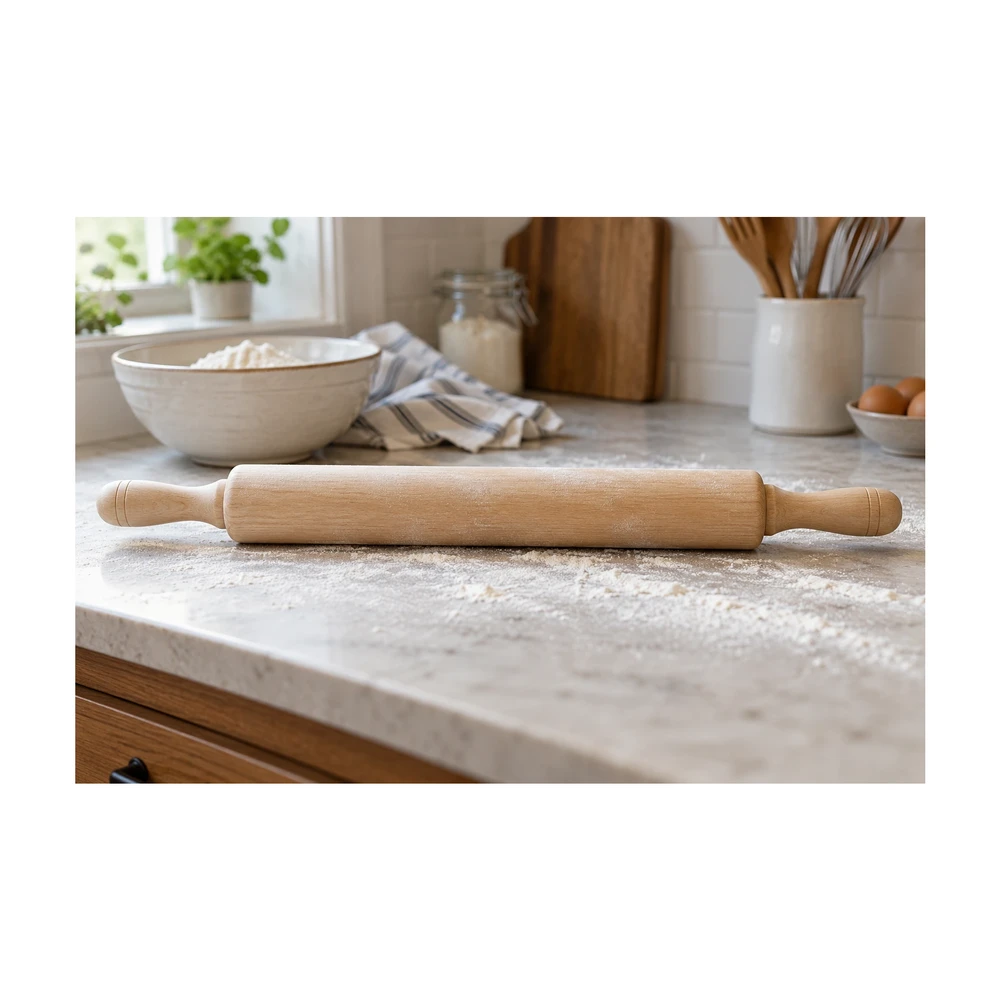
Make an image square with white padding around the product. Keep handles and edges in frame, adjust the product fill and download a JPG or PNG free.
Open tool
Make a transparent background for product photos online. Remove the backdrop, inspect edges and download a transparent PNG free, with no watermark.
Open tool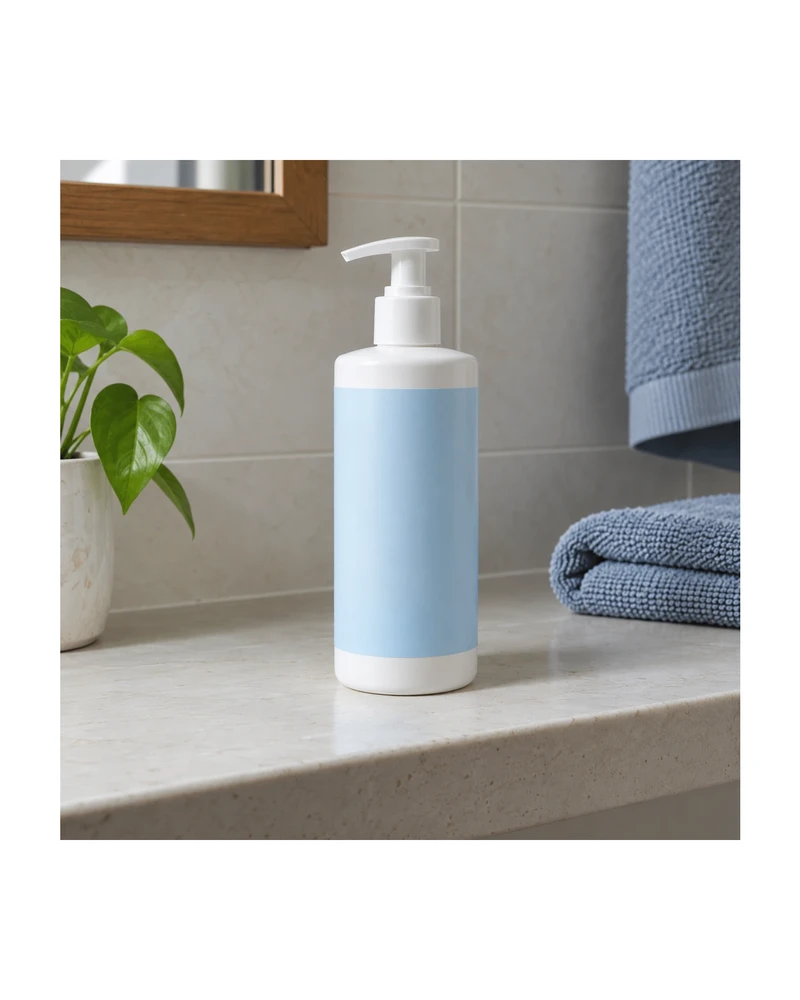
Resize product images to custom dimensions with white padding. Preview framing, keep the product proportionate and download a JPG or PNG in your browser.
Open tool
Resize Shopify product photos with a 2048 px square preset or custom canvas. Match product spacing and backgrounds, then download files for your store.
Open toolNeed the whole workflow? Read how to make a photo background white.
READY WHEN YOU ARE
Choose a size. Download your plain white image for free.
Create my white background — free